Packaging Value

Innovative Development in Packaging

  • Labeling Machines
  • CapLining Materials and Induction Machinery
  • Induction Sealing
  • Hang Tabs
  • Contact Us

Get Your Matrix On

May 7, 2018 by value

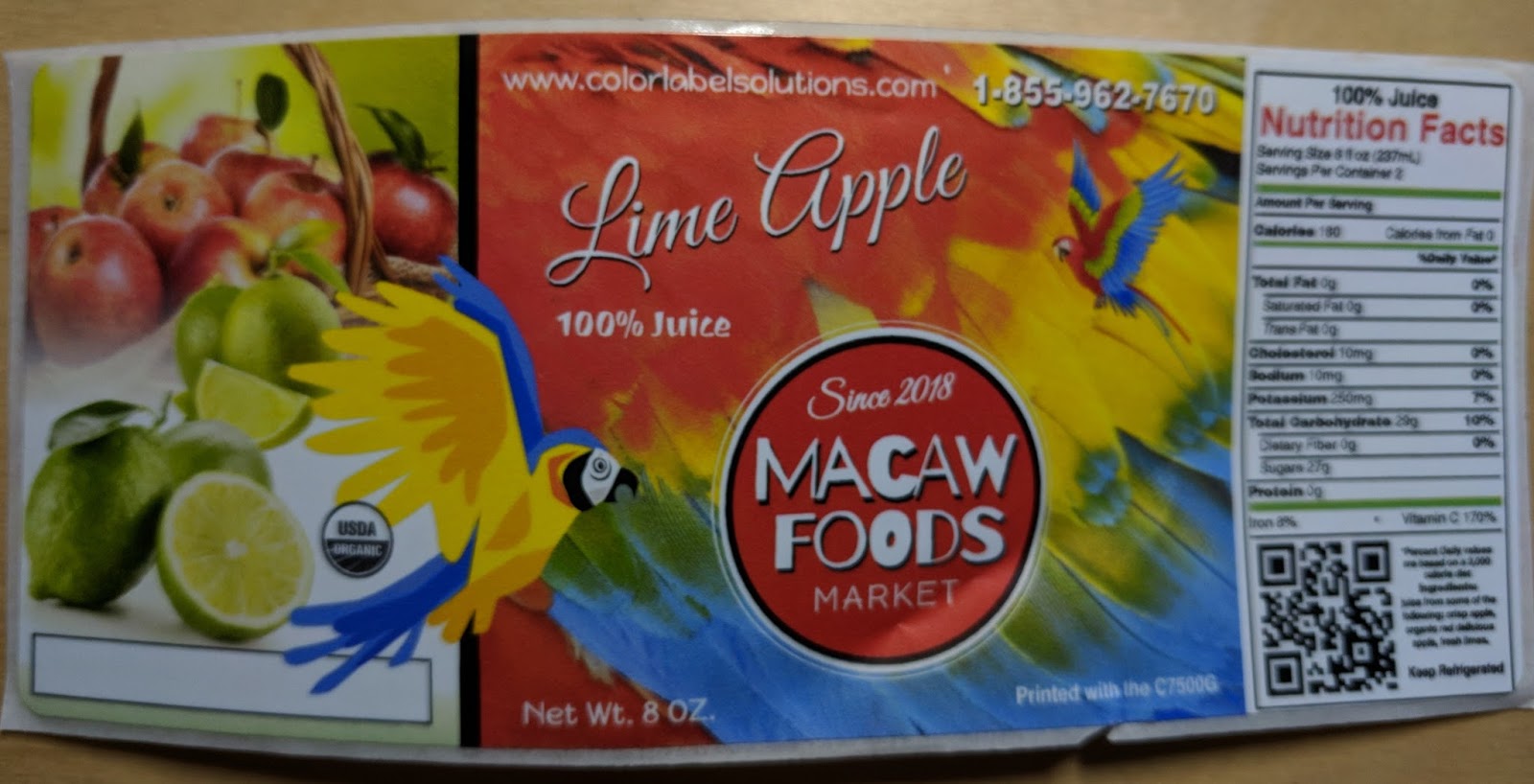
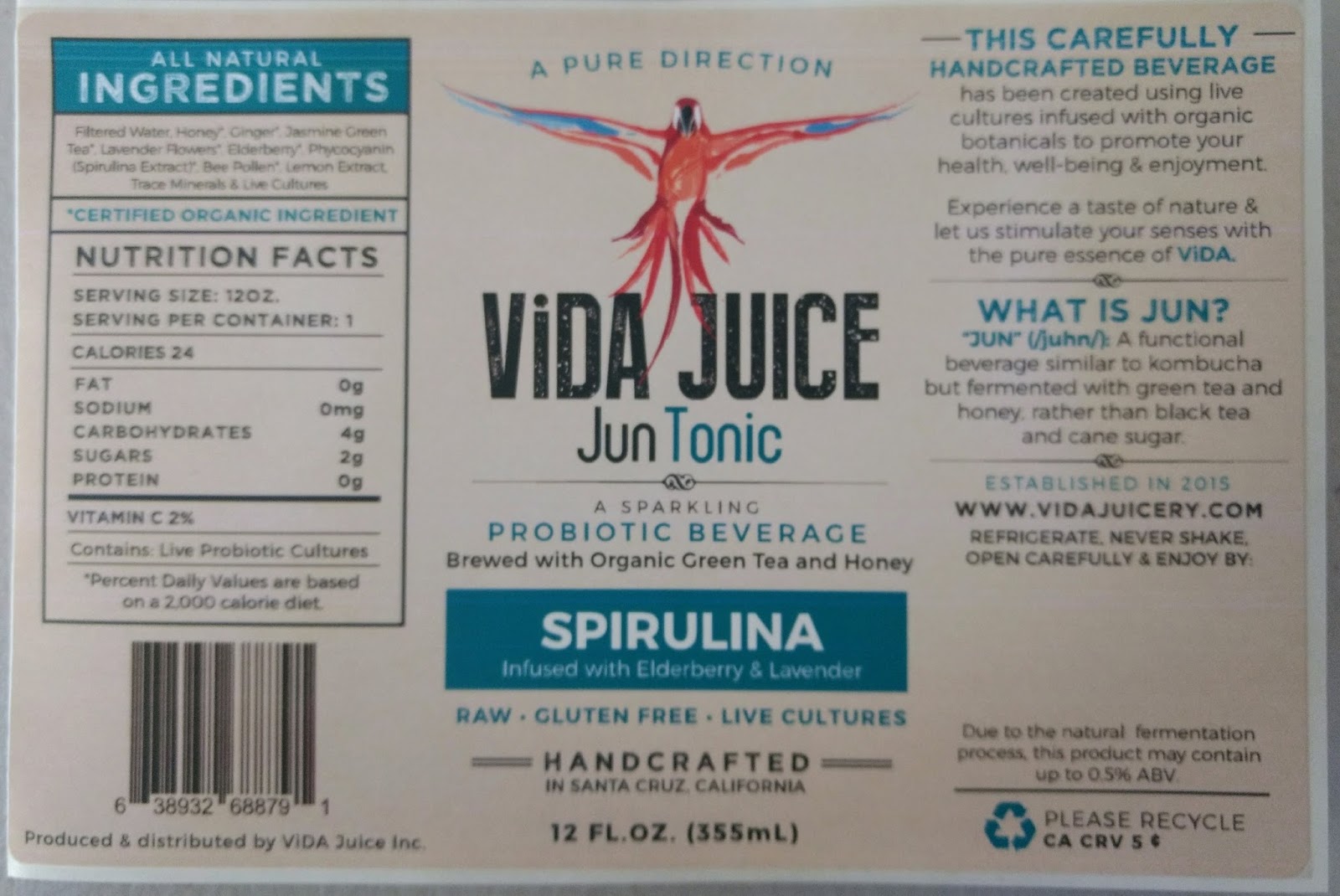
Printing full-bleed correctly can be tricky using die cut labels. 
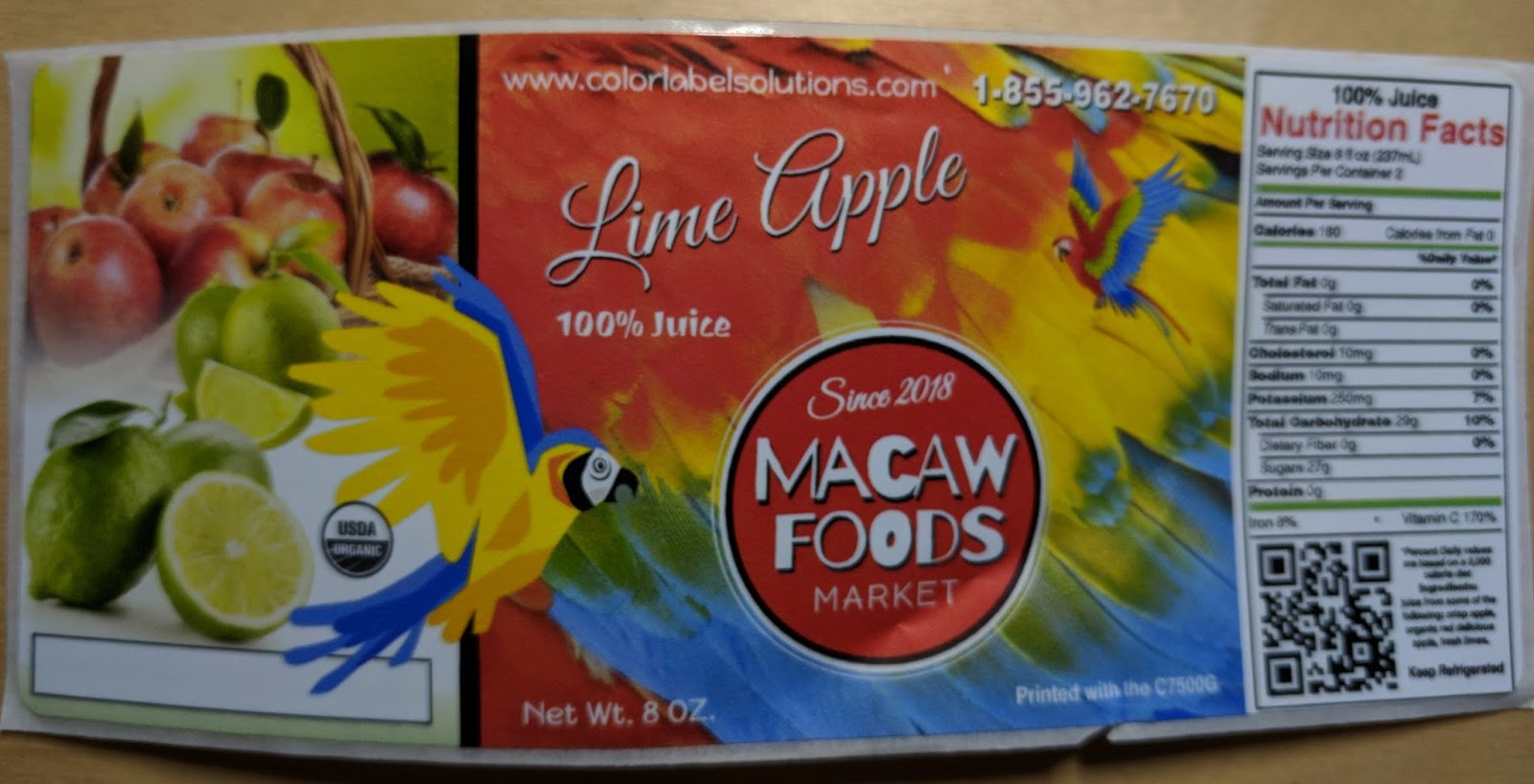
Full-Bleed Label Printing
The problem is you want the ink to cover the edge of the label but not put too much ink on the exposed liner.  If ink goes onto the liner, you can transfer it to the actual label during application or rewinding.  Or you can’t quite get the label printed without leaving some white on the label.

Full-Bleed Label
Full-Bleed Label
 In the past, we’ve tried inkjet coated liners that work perfectly:  http://colorlabelsondemand.blogspot.com/2017/02/full-bleed-label-media.html

But are expensive to use.


And I’ve written about using a finishing system post printing.  Here is one option I saw at Label Expo:
http://colorlabelsondemand.blogspot.com/2017/12/affordable-digital-label-solution.html

Using a label finishing system is great if you are willing to invest in the equipment and change your process to print and then finish (laminate, die cut, weed the matrix and rewind) the labels.  Many companies don’t want to take the time or effort to complete this process.  But a finishing system produces prefect laminated, die cut labels each time.
One last option to produce full-bleed labels involves using slightly different die cut labels; leaving the matrix on.
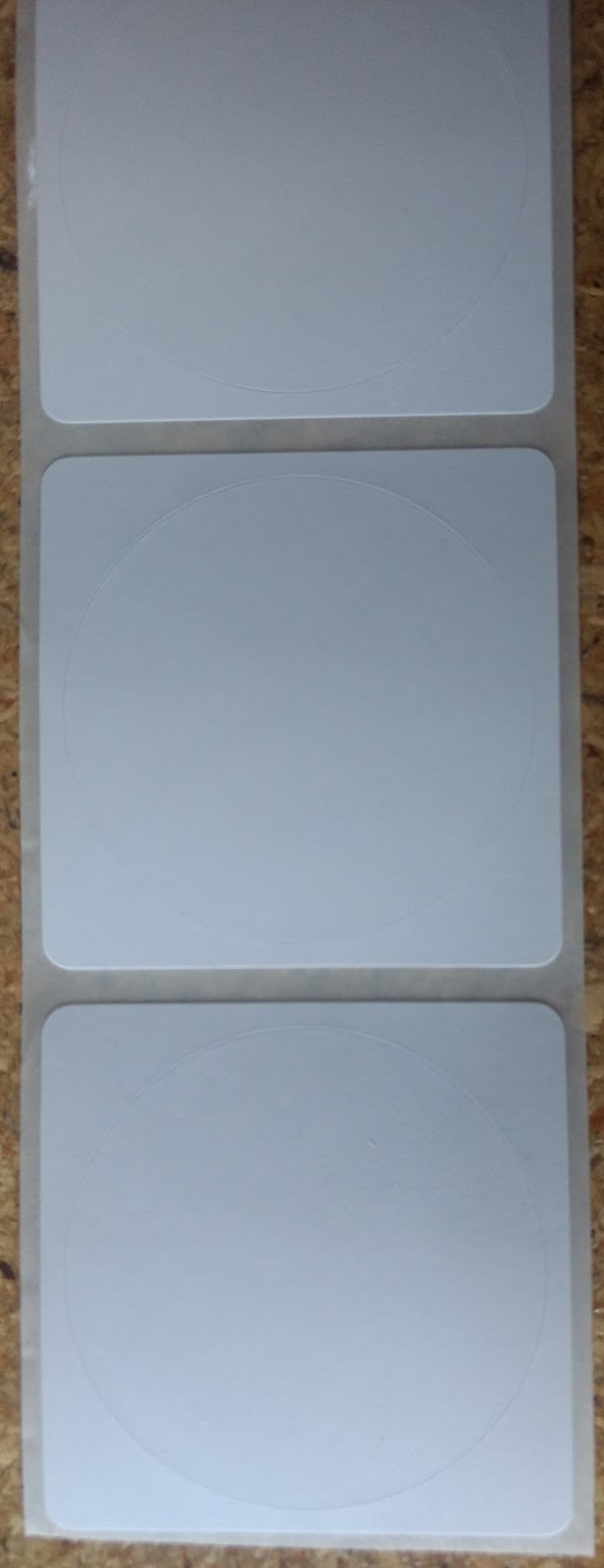
Matrix On Circle Labels

In the above picture, you’ll see die cut circle labels; but you’ll also see the matrix left on around the die cut forming a rectangle and gap between labels.  With the matrix left on, you can print beyond the die cut label without having to working about the ink transferring.  Works great to produce full-bleed die cut labels.
However, you can’t use labels with the matrix on for label applicators; they will not peel correctly with the matrix left on.  And I’ve been told that labels with the matrix on are more difficult to peel and apply by hand.

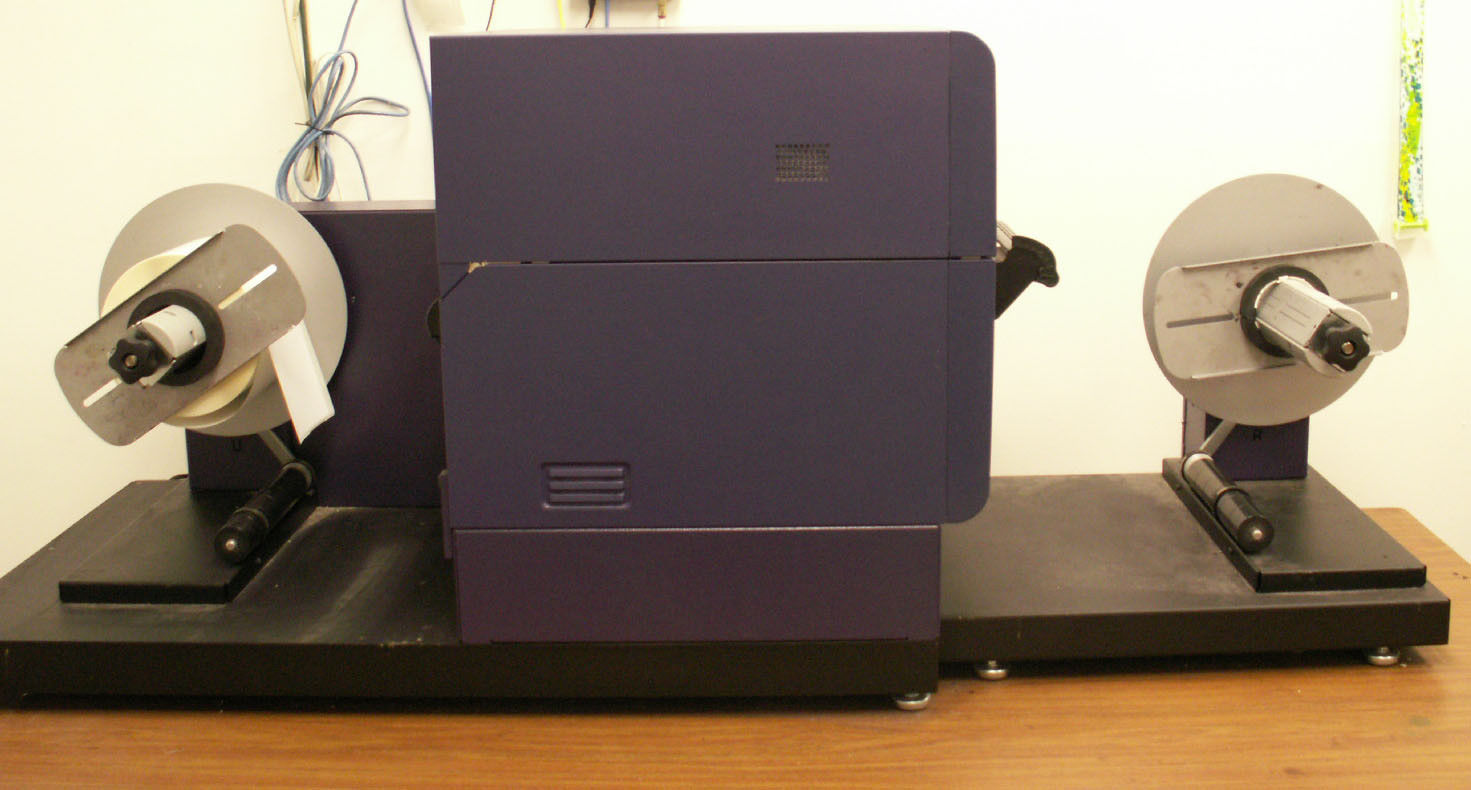
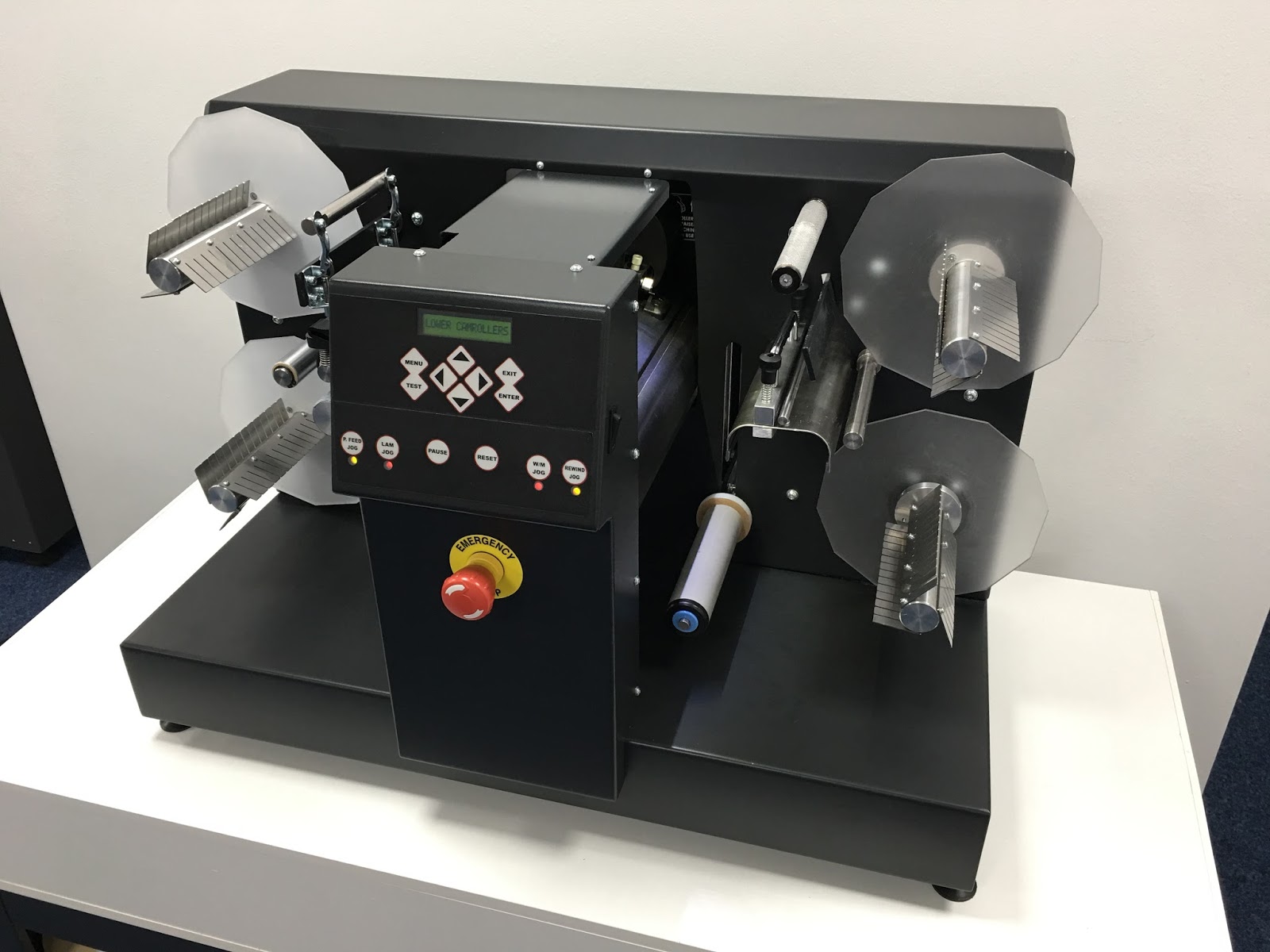
To make matrix on labels easier to apply and work with label applicators, DPR has launched an inline matrix remover integrated with the C7500.  Watch this new device work here: 
https://www.youtube.com/watch?time_continue=47&v=cIt4yoOYNQE 

And learn more about this system here:  
https://www.dpr-llc.com/en/label-unwinder-rewinder-epson-C7500.html

Now in one step, you can print full-bleed labels completely; and then remove the matrix to have finished die cut labels.  If you have full-bleed artwork and use an applicator/find it difficult to peel and apply labels by hand, the DPR C7500 in-line matrix remover may work for you.  Contact us to learn more and discuss how this new device may make your workflow more productive.
Guy Mikel
855-962-7670

info@colorlabelsolutions.com 

Filed Under: Label Printers Tagged With: Color Label Printers, Kiaro, Labels

LabelOn™ and Epson Combine

May 2, 2018 by value

An Industrial
Full Color Retail Label Printer
With An Industrial
Bench Top Label Applicator

You can now Print and Apply
Your Own Retail Quality Labels.

  • You have control of your labels
  • You make the label changes without waiting
  • You can developing your range – Minimum label print runs will no longer stop you
  • You can customize batches of labels
  • You do not need to wait for labels to be printed and then shipped

Create Your Own Personalized Label Designs

Personalize your design down to the smallest detail. Once you have created a label template, you can start printing and applying labels to your products.
The Printer, The Applicator and your first 20,000 labels printed under $20K.


Adeneli-LabelOn-PrintAndApply - Round Products


Benchtop Round
In Action
Benchtop Flat
In Action
Benchtop Round Labeler

Label Machine Specifications:
Series: LabelOn™ Benchtop
Model: Round Products

Labeling accuracy: ±1/16th inch
Typical Labeling speed: 5 to 20 Pieces / min
Product Height: 1.0 inch to 12.0 inch
Product Diameter: ¼ inch to 6.5 inch

Label Length: ½ inch to 12.0 inch
Label Web Height: ½ inch to 5.0 inch
Label Roll Core: ID Φ 3 inch
Label Roll Diameter: OD Φ up to 12 inch
Label Machine Dimensions:
(L × W × H) 30 inch×16 inch×17 inch
Power supply: 110V 50/60HZ
Total Power: 200W (Approximately)
Air Pressure (PSI): 40+ PSI

Flat and Near Flat Labeler

Label Machine Specifications:
Series: LabelOn™ Benchtop
Model: Flat and Near Flat

Labeling accuracy: ±1/16th inch
Typical Labeling speed: 5 to 20 Pieces / min
Product Height: 1.0 inch to 7.5 inch
Product Width: 1.0 inch to 7.5 inch
Product Thickness: 0.1 inch to 7.5 inch
Label Length: ½ inch to 5.0 inch
Label Web Height: ½ inch to 5.0 inch
Label Roll Core: ID Φ 3 inch
Label Roll Diameter: OD Φ up to 12 inch
Label Machine Dimensions:
(L × W × H) 28 inch×15¼ inch×14 inch
Power supply: 110V 50/60HZ
Total Power: 200W (Approximately)
Air Pressure (PSI): 40+ PSI

It is a Real Value Proposition:
The Epson TMC7500/G Paired with our LabelOn™ Loop Benchtop Solution Series:
Epson’s most advanced print head technology “PrecisionCore linehead “
– Max. 300 mm/s high speed printing
– 600(H) dpi High print resolution
– Fine text. Bar-code printing
– Clear gradation printing
– High reliability with Nozzle Verification Technology

Command control which enable to minimize system re-design
– ZPL emulation
– ESC/Label command language
– On board template manager

Designed for industrial use
Continuous printing
– 8inch diameter roll paper
– Big volume Ink cartridge
– Original winder/re-winder(option)
High durability
– Long life(MCBF)
– Metal case
– Pigment ink
Expandability
– input/output external connection port (I/O port)

You can have your Printer, your Applicator and your first 20,000 labels printed for under $20K

Epson ColorWorks C7500
Take the Tour of the Industrial Color Label Printer

Filed Under: Labeling Machines Tagged With: label applicators, self adhesive labeling machine

Cap Liner Types and Functions

May 1, 2018 by value

A cap liner is a piece of material that sits between the cap and the bottle. Its traditional primary purposes are to offer proper sealing of the product to prevent leakage and optionally to provide tamper evidence. New technology is now turning this humble piece of packaging into a multimedia gateway for brands to reach out to their consumers […]

Filed Under: Induction Sealing Machines Tagged With: heat sealing, induction sealing, product sealing

Cap Liner Types and Functions

May 1, 2018 by value

A cap liner is a piece of material that sits between the cap and the bottle. Its traditional primary purposes are to offer proper sealing of the product to prevent leakage and optionally to provide tamper evidence. New technology is now turning this humble piece of packaging into a multimedia gateway for brands to reach out to their consumers […]

Filed Under: Cap Lining Materials and Machinery Tagged With: cap inserter machines, cap liners, cap lining materials, caps and liners

Cap Liner Types and Functions

May 1, 2018 by value

A cap liner is a piece of material that sits between the cap and the bottle. Its traditional primary purposes are to offer proper sealing of the product to prevent leakage and optionally to provide tamper evidence. New technology is now turning this humble piece of packaging into a multimedia gateway for brands to reach out to their consumers […]

Filed Under: Packaging materials and Machinery Tagged With: caps and liners, induction sealing machines, labeling machines, packaging materials and machinery

Pack Expo East 2018

April 23, 2018 by value

Last week, we exhibited at Pack Expo East  https://www.packexpointernational.com/ in Philadelphia, PA:

Color Label Solutions at Pack Expo East

Although not everything went as planned (inbound shipping was a nightmare), we still had a great experience talking to more than 130 people about print on-demand color labels and corrugated.  Here are 3 “Ah-Ha’s” I took from our experience.
First, our Sales Manager, Grant Lapke did an outstanding job installing, running and packing our NS Multi printer.  Although we shipped this machine a great distance, the print quality was still outstanding.

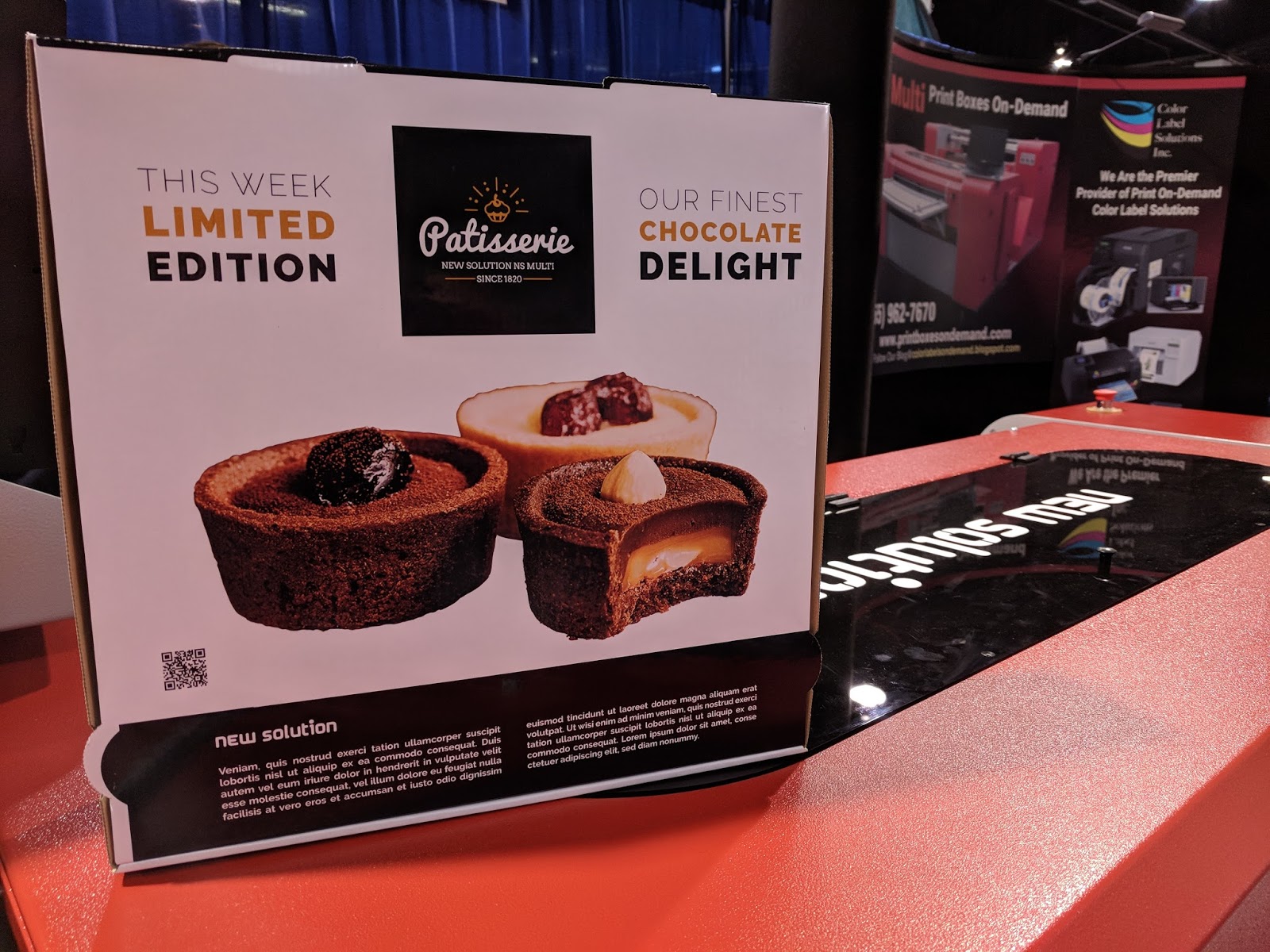
NS Multi Printed Box
Just look at this box printed with the NS Multi. Or our signs we printed as our backdrop arrived late to the show.


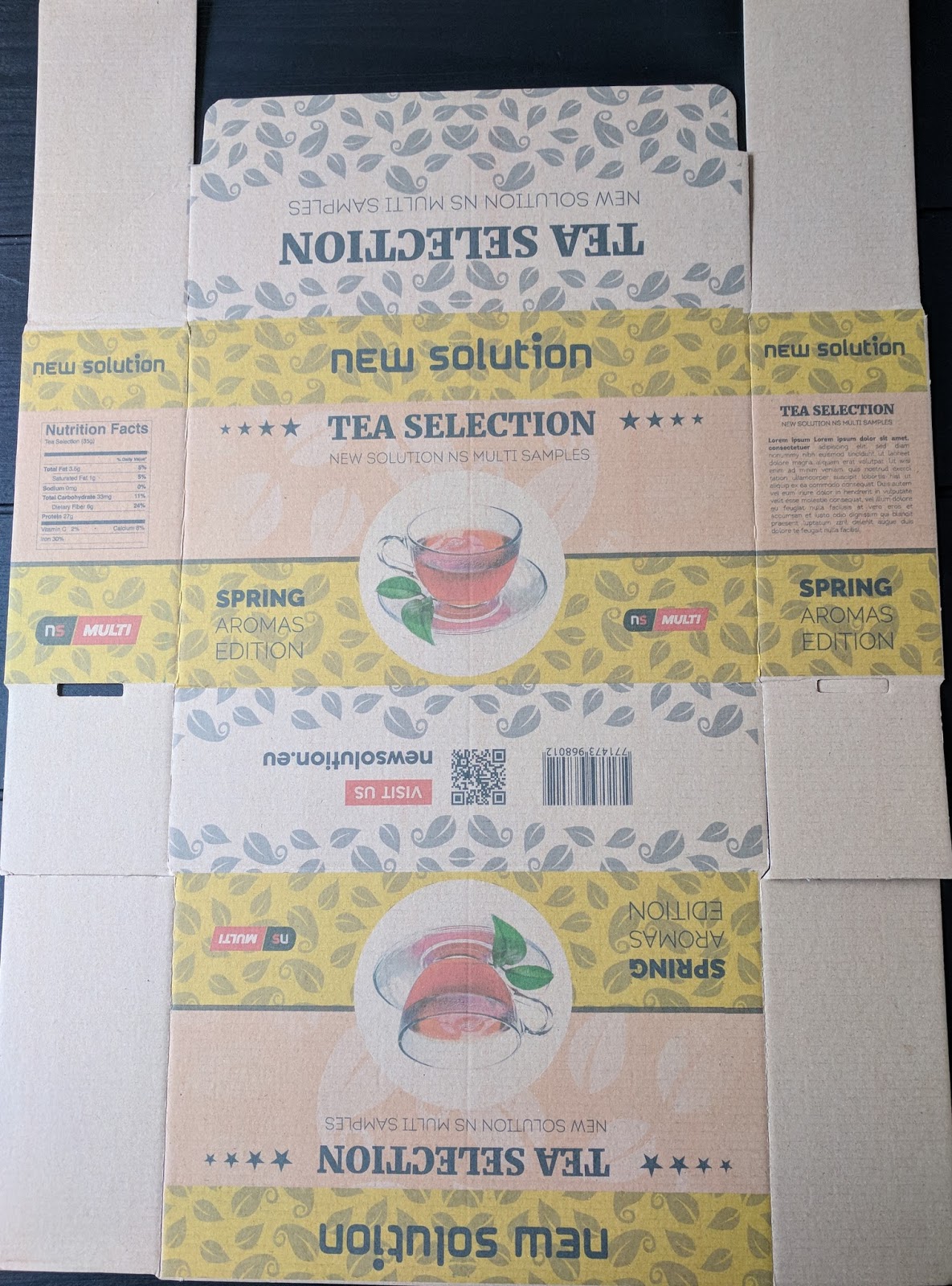
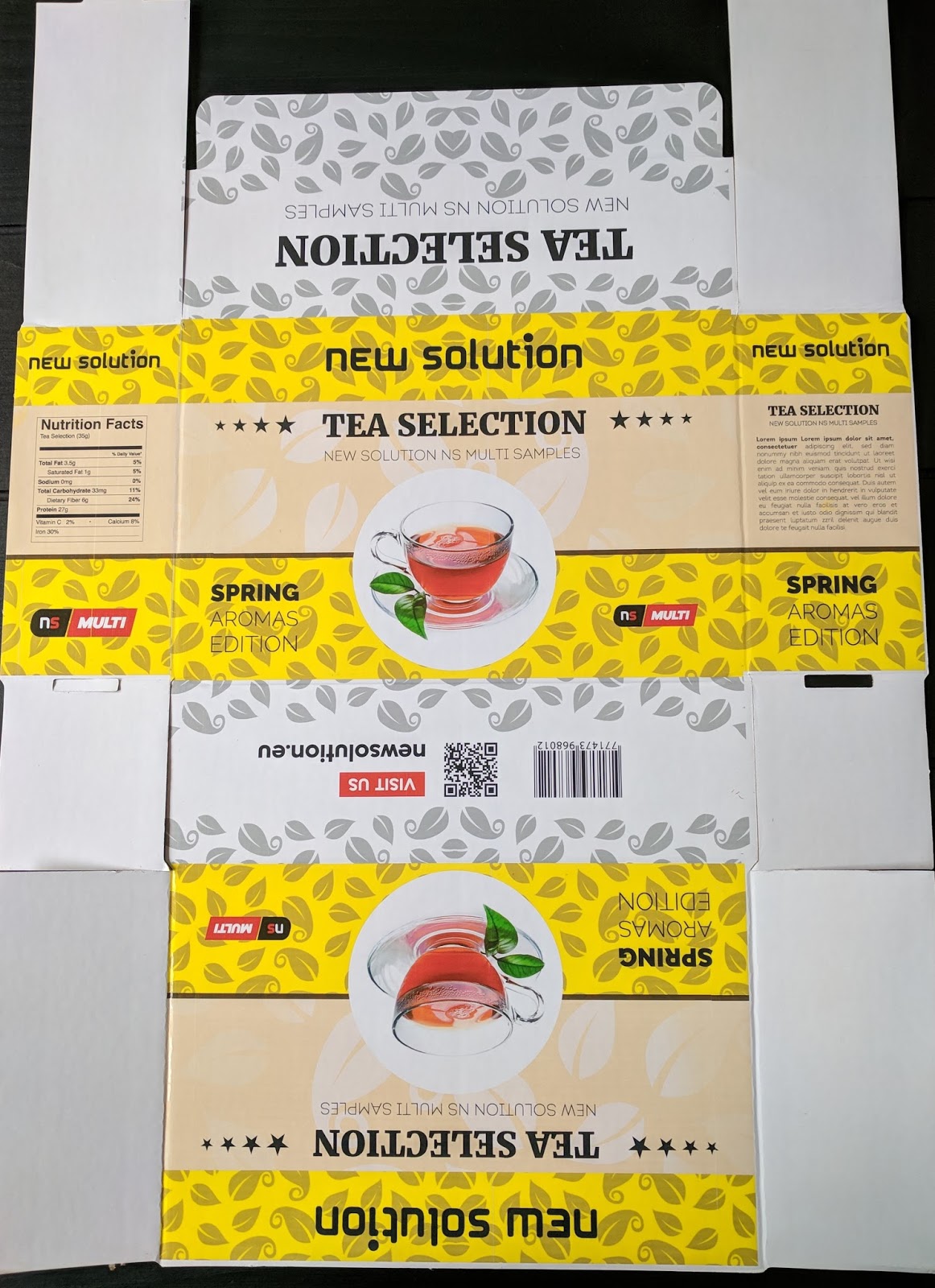
NS Multi Printed Sheet

I’ve written about the print quality before.  http://colorlabelsondemand.blogspot.com/2018/03/ns-multi-print-quality.html.   But given the shipping, I was impressed at how well Grant got this printer to produce outstanding quality. 
Given the print quality, we spoke to several companies about printing instore merchandizing displays.  The NS Multi would enable large, package good companies to produce personalized displays and end caps quickly.  And with the Caldera’s RIP capability for variable data and images, companies would be able to personalize each end cap uniquely for the store.  The capability of the NS Multi to produce unique and high-quality merchandizing is a new opportunity for us and the market.
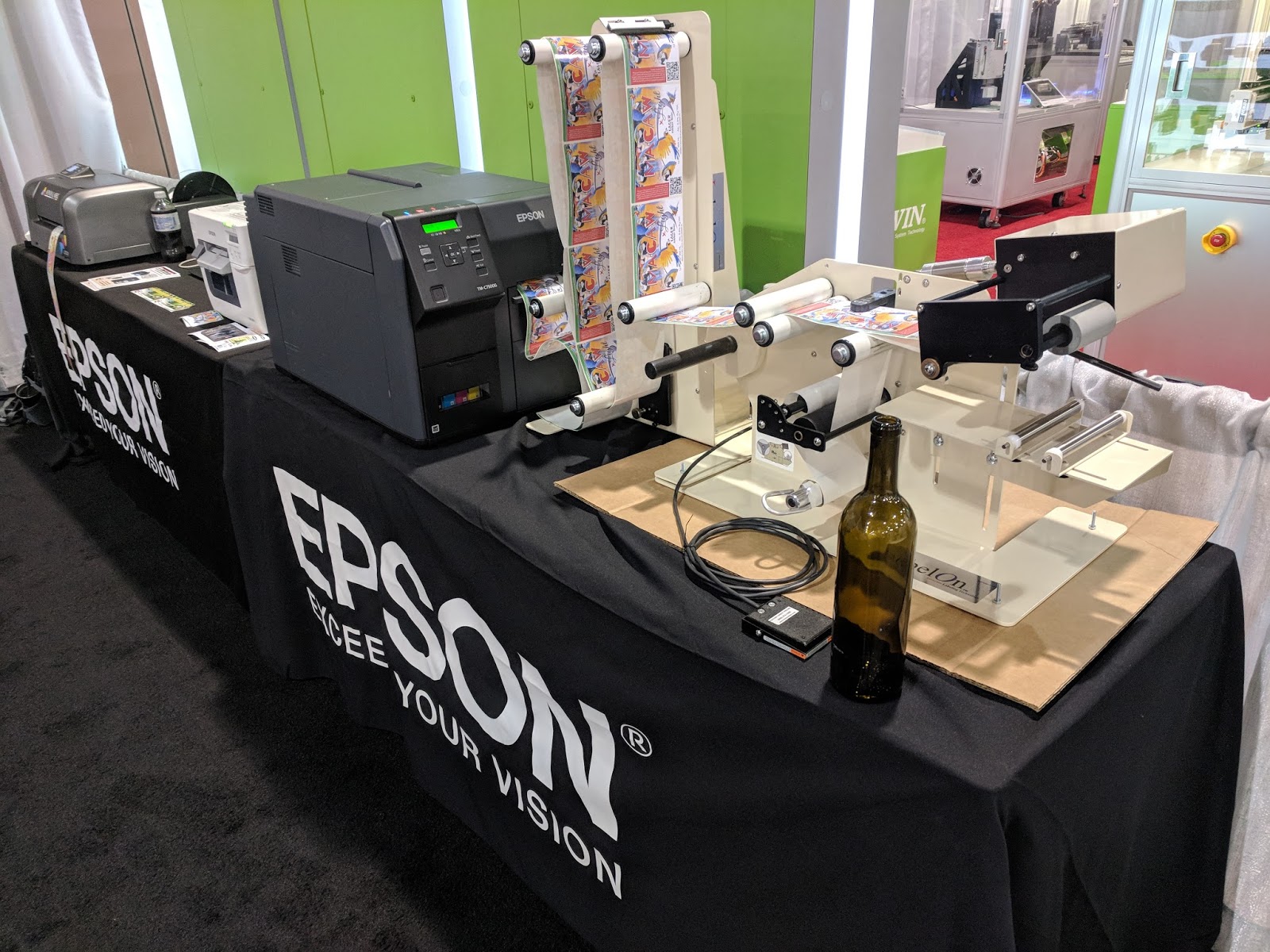
Second, we launched a new semi-automatic label applicator integrated with the C7500.

Label Applicator Integrated with the C7500
This applicator uses a sensor and a movable arm to manage the “loose-loop” of labels between the printer and applicator.  You need this Loop given the fact the printer backs up when starting to print.  One feature I found of interest with this new applicator is that you can send a large (i.e. 500) print job to the printer.  As the labels are consumed, the sensor in the loop allows the printer to produce more, always keeping the loop filled.  So if you had a requirement of a batch of 500, you could print approximately 510-520 labels, and know when the batch was completed.  This feature may make this system work better for the operators.  If you are interested in applying labels to round and soon flat containers directly from the C7500, contact us.  We’ll discuss how you could use this new capability in your operation.
Third, we showed again the new L501 from Afinia; which produces beautiful labels.

L501 Printed Label
L501 Printed Label
http://afinialabel.com/introducing-l501-color-label-printer/

And beginning May 1st, Afinia will start shipping this new product.  From my perspective, the L501 fits companies that need to print great looking labels in relatively small batches.  The cost of the printer is $3500; and offers both dye and pigment ink.  The “Due” Ink Technology aspect is interesting; as dye inks produce generally better colors whereas pigment inks are more durable typically.  If you want great looking labels but don’t want to spend a lot of money for hardware, the L501 may be a great option for you.
Pack Expo was a valuable tradeshow for us.  If you need great looking on-demand color labels, boxes or displays, contact us to discuss your requirements.  We’d appreciate the opportunity to learn more about your business.
Guy Mikel

855-962-7670

info@colorlabelsolutions.com 

Filed Under: Label Printers Tagged With: Color Label Printers, Kiaro, Labels

How Not To Kill Your Inkjet Label Printer.

April 9, 2018 by value

Recently, Tim Semic, our Support Manager, suggested we create a blog on “how not to kill your inkjet label printer”.  I thought immediately, “that’s a great idea”.    Tim suggested the questions; and we both worked on the answers.  This post features answers based on our work with Epson label printers primarily; but the concept applies to label printers based on Memjet and HP as well.

OK, I don’t want to kill my label printer, tell me more.

The most common hardware problem with inkjet label printers are clogged nozzles. An inkjet printhead has thousands of very tiny nozzles. Memjet claims to have 70,400 nozzles in an 8.77” printhead: https://www.memjet.com/versapass/.  These nozzles are all subject to clogging; and thus, ruining your day.


What causes print nozzles to clog?

The number one reason inkjet nozzles clog is particles carried into the printer on the label media.  As this foreign material enters the printhead, nozzles can get plugged.  The second reason for clogged nozzles is similar to the first; dust and other foreign material in the air may plug inkjet nozzles as well.  The third way inkjet nozzles will clog occurs when the ink inside of the printhead dries. Dried ink inside the printhead may occur when leaving the printer powered off for long periods of time, and/or when the printer is kept in very dry environmental conditions.

What are the symptoms of clogged print nozzles?
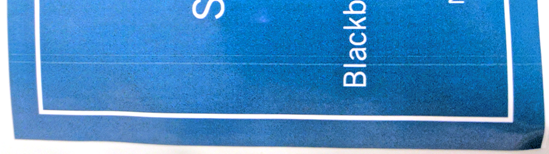
A plugged nozzle symptom will manifest as white lines running across the label print output in the orientation of the printhead. These white lines are a classic symptom of clogged print nozzles. The lines that you see are actually the white label where no ink was applied. The other tell-tail symptom of clogged print nozzles is when your printer constantly goes into maintenance mode.


Clogged Inkjet Nozzle
The thin lines you see are from the label showing through due to clogged print nozzles.
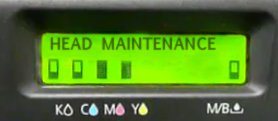
My printer occasionally makes noise when idle and pauses often during printing. Epson Label Printers with an LCD display will show “maintenance” or “head maintenance”.

Your label printer has a service called Head Maintenance that runs periodically to keep the ink jet nozzles clear, and to prevent them from drying out. This maintenance service works by forcing a small amount of ink through the printer’s nozzles. However, this service may run repeatedly when clogged nozzles are detected. 

Head Maintenance
Head Maintenance

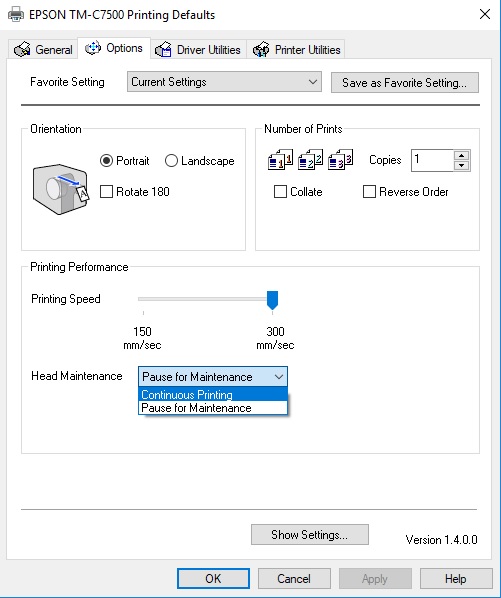
In the C7500, one option is to turn on the “spitting function”; also called “Continuous Printing”.

C7500 Continuous Printing

With this setting, the printer “spits” out very small quantities of ink, invisible to the naked eye, randomly throughout the print.  Memjet printers have the same functionality.  Sometimes the label may appear slightly grey from the ink, even though you can’t see the individual drops without a magnifying glass.  We recommend this setting if the tiny ink spots are OK with your print output.
The other option is “pause” for maintenance.  In this situation, the printer stops occasionally to check the printhead.
On the C3500, you can turn off the checking/cleaning function of the printer to save ink and to reduce the number of maintenance kits required.  As we print very few labels, we typically run our C3500 with the “no missing dot detection mode” selected; and then clean manually when needed.


What can I do if my printer is in a clogged nozzle condition?
Performing a manual cleaning is a way to take control of removing clogs in the nozzles. Prior to performing a manual cleaning, it’s best practice to print a nozzle check pattern from the printer utility software. A nozzle check pattern will provide you a baseline view of the problem. The nozzle check pattern prints lines of every CMYK color and will reveal areas and the color(s) that are being affected by the clogged nozzles.
Nozzle check pattern

If you see gaps in the nozzle check pattern, the next step is to run a manual cleaning on the printer. After the cleaning cycle completes, you may want print out another nozzle check pattern to look for improvement.  You should repeat the cleaning/test pattern cycle until either the clogged nozzles have been cleared, or you no longer see improvement occurring.

The manual cleaning didn’t completely resolve the issue.  Now what?
Once you determine that the cleaning utility is unable to resolve the clogged nozzle condition, the printer will have to be repaired by the manufacturer in the case of Epson or any other manufacturer with permanent printheads.  For Memjet printers, you can also attempt to rehydrate the ink by placing the printhead in the shipping cap with distilled water.  If the nozzles remained plugged, you’ll need to replace the printhead.

How can clogged print nozzles be prevented in the first place?
The number one way to prevent nozzle plugging is to keep your label media in the plastic bags in which they shipped.  Keeping your labels in the bags reduces the likelihood of foreign material from entering the printer.

In addition, you should keep the work area with the printer relatively dust free.  Don’t run an inkjet printer in a dusty environment.
Also, it’s recommended that you keep the printer powered on at all times once you are printing regularly.  For example, Memjet recommends their printers run 24/7.  Also, don’t leave your printer powered off for a long period of time. Once powered off, the printer can no longer keep the nozzles from drying out.
When left powered on, the printer will not consume much electricity since as it switches into an Energy Saving Mode. While in energy saving mode, the printer will still perform a limited number of maintenance routines. 

Should I worry about “Dry Climates??
Whether hot or cold, dry climates will cause the ink in the print nozzles to dry at an increased rate. In conditions of low humidity below 20%, a humidifier may be placed near your printer, with the goal of keeping the proximate humidity above 20%.  Here are the general printer climate specifications: 

Temperature
Operating: 5 to 35°C {41 to 95°F}       Storage: -20 to 40°C {-4 to 104°F} (At 40°C {104°F}: up to 1 month) 
Humidity
Operating: 20 to 80% RH.                    Storage: 5 to 85%RH (No condensation)

With thousands of inkjet label printers sold and installed, we find these devices as the best current option; and we want to keep them working for you.  We hope you find these recommendations of value.  If you follow the above recommendations, you fewer problems, and have more uptime on your inkjet label printer.
Happy Printing!


Tim Semic/Guy Mikel
855-962-7670
info@colorlabelsolutions.com

Filed Under: Label Printers Tagged With: Color Label Printers, Kiaro, Labels

Kiaro vs C7500G

March 23, 2018 by value

The Kiaro from Quick Label Systems, https://www.quicklabel.com/products/color-label-printers/commercial-label-printing/kiaro/,  has been one of the largest selling color label printers on the market.  Astro Nova has done a good job selling this printer.

Kiaro Label Printer
Kiaro Label Printer


I know this printer mostly from my work with current customers that have switched away from the Kiaro.  This week, I spoke with another prospect who had decided to purchase a C7500G.  Based on this discussion, I decided to try to describe the important differences between the Kiaro (and the other options sold under different names) and the C7500G. 

Before starting, please know that the Kiaro is the exact same printer as the Swiftcolor SCL 4000 D/P sold by Kanematsu. https://www.swiftcolor.com/SCL-4000DP.php

SwiftColor 4000
SwiftColor 4000

Many years ago I wrote about the Swiftcolor printer in this post:  http://colorlabelsondemand.blogspot.com/2013/08/short-run-in-plant-batch-label-printing.html 

In addition to the Kiaro and Swiftcolor printers, Canon announced the launch of the same printer, the D5500, in North America at CES:   https://downloads.canon.com/nw/printer/products/printers-and-multifunction/card-label-printers/ij-label-printers/lx-d5500/specifications/lx-d5500_specification_sheet.pdf

Canon Label Printer
Canon Label Printer
Now you have access to purchase the same printer from three different companies. In this post, I’ll use the brand name, Kiaro to represent all of the options.  And please remember; we don’t sell the Kiaro printer.  .
Looking at the Kiaro, I see 4 unique benefits vs the C7500G. First, the Kiaro offers up to 1200 x 1200 dpi print resolution; much higher than the C7500G with 1,200 x 600 resolution. I’ve seen great print quality from the Kiaro printer.
Second, the Kiaro comes in either dye or pigment-based inks.  Die ink are much more vibrant; but are not water resistant or water proof.  The ink will come off labels easily.  Pigment inks are very durable; but are not as vibrant in color as the dye Kiaro models.  But the choice is good to have depending on your requirements.
Kiaro Label Printer with Winders

Third, the minimum width of a 4” version of the Kiaro printer is 25 mm or .984”; which is narrower than the C7500G at 2”.  And the minimum length of a label is 6 mm or .236”; much shorter than the 1” minimum of the C7500G.  Narrow widths and shorter lengths make the Kiaro printer fit many more applications.

Fourth, the Kiaro offers an optional cutter.  For tag application in apparel or greenhouse, this cutter is a unique capability.  At the 2017 WestPack, I saw the Swiftcolor printer with a cutter in action.  Read about the cutter for tags in this post:  http://colorlabelsondemand.blogspot.com/2017/02/westpack-2017.html.  The cutter with the C7500G is not designed to cut each label; rather to cut at the end of a print job.


Although the Kiaro has other features, I don’t see them as unique or valuable in the comparison with the C7500G.
As for the negatives, I see 3 with the Kiaro printer.  The first and largest is the 4 consumable print heads.  As each printhead may cost up to $750, it is expensive to replace this consumable item.  As I understand, the costs are $2500 to replace all 4 print heads at once.
How long one of the four printheads last depends on the material and percentage coverage of the labels printed.  Many years ago, I requested an inkcost and printhead estimate on this 4 x 3” label:

4
4″ x 3″ Color Label Test Sample
And I was sent this estimate:

SwiftColor Yield Estimate


Although my request was concerning ink cost, the printhead life was more interesting to me.  At 161,186 4” x 3 labels, the printhead cost per label was 483,000 inches and added $0.0046/label; almost ½ of a penny per label for just the black printhead.  If you add up the cost of all 4 printhead, the cost per label was $0.013 just for printheads (assuming $750/printhead).  At the time, I was told the black line around the label reduced the black printhead life.  In this example, the printhead cost was almost as much as the ink cost/label. (Remember; these costs were from many years ago.  The printhead price may have changed).

In addition to the cost of the consumable printhead, installation of one of the four printheads is not so easy.  To replace the printhead, you need to drain the ink, disassemble the printer and remove 1 of 4 printheads, reassemble the printer and then recharge the ink.  In this video, Quick Label Systems assumes you want to change all 4 printheads at one time.


However, most people will want to change only the affected printhead.  You’ll need to remove and replace the printhead from the array.  Changing printheads requires an operator with mechanical skills, time and patience to do the job correctly.  With the C7500G, the printheads are permanent and not a consumable item.
In addition to the consumable printheads, the Kiaro printer has other consumable items.  The second negative is the time and money required to change these items.  The Kiaro has a “Blade Cleaner”, “Purge Unit”, and “Maintenance Cartridge” which are considered consumable items.  In addition, the printer has parts that need to be replaced as required such as the “Transport Unit”. To replace many of these items, draining the ink and special tools are required.  The time and money required to change these items seems onerous to me.  The C7500G has a “Maintenance Kit” that takes seconds to change and costs $30.  I tell customers that they’ll need approximately 3 of these kits per year with heavy use.   
Lastly, the Kiaro printer seems to require must more work and maintenance to keep these printers operating.  By the accounts of formers users now customers, the Kiaro printers have issues with streaks and require lots of repair.  Although having C7500G printers that required repair, we’ve found these printers durable and reliable.  Plus they are much easier to operate.  For most customers, operators of the C7500G must just press “Print”.
Although the Kiaro can print great looking images, and produce very small and short labels, the requirements to keep these printers operating appear to be very difficult for most users.  In this regard, the C7500G is much easier to use and reliable while producing great looking labels.

As for another comparison, check out a previous post, the LX2000 vs the C7500, here:  http://colorlabelsondemand.blogspot.com/2017/09/lx2000-vs-c7500.html

Another point to consider: the Kiaro printer comes in an 8” version as well.  However, the 8” version is two 4” printheads stitched together.  Not only does this printer have 8 printheads to replace, but also has had issues with the stitching between the heads.  Because of this issue, I believe Quick Label Systems launched their Memjet printer, the QL-800 and purchased Trojan line of printers.

I hope this comparison helps with your analysis of the available printers for on-demand color labels. Contact us if we can help with your color label printer requirements.
Guy Mikel
855-962-7670
info@colorlabelsolutions.com

Filed Under: Label Printers Tagged With: Color Label Printers, Kiaro, Labels

NS Multi Print Quality

March 9, 2018 by value

This week, we reinstalled our NS Multi Demo printer after showing it for the first time at WestPack in February.

NS Multi Corrugated Printer Setup
NS Multi Corrugated Printer Setup With Grant Lapke

You can read about our experience at WestPack here:  http://colorlabelsondemand.blogspot.com/2018/02/westpack-2018-launch.html

It was a great experience for us to set up this printer again.  Most importantly, the experience reconfirmed the outstanding print quality that the NS Multi delivers.  Watch us print inkjet coated boxes here:


According to Grant Lapke, lead on the NS Multi for Color Label Solutions, “the black in this artwork printed outstanding compared to other options.  For me, black is always the most difficult color. The NS Multi Print is really durable, great for printing many different short run boxes.”
Just as important for me, we saw outstanding print quality from bright white, non-inkjet coated boxes.  Look at the print quality of this box:

NS Multi Print Quality

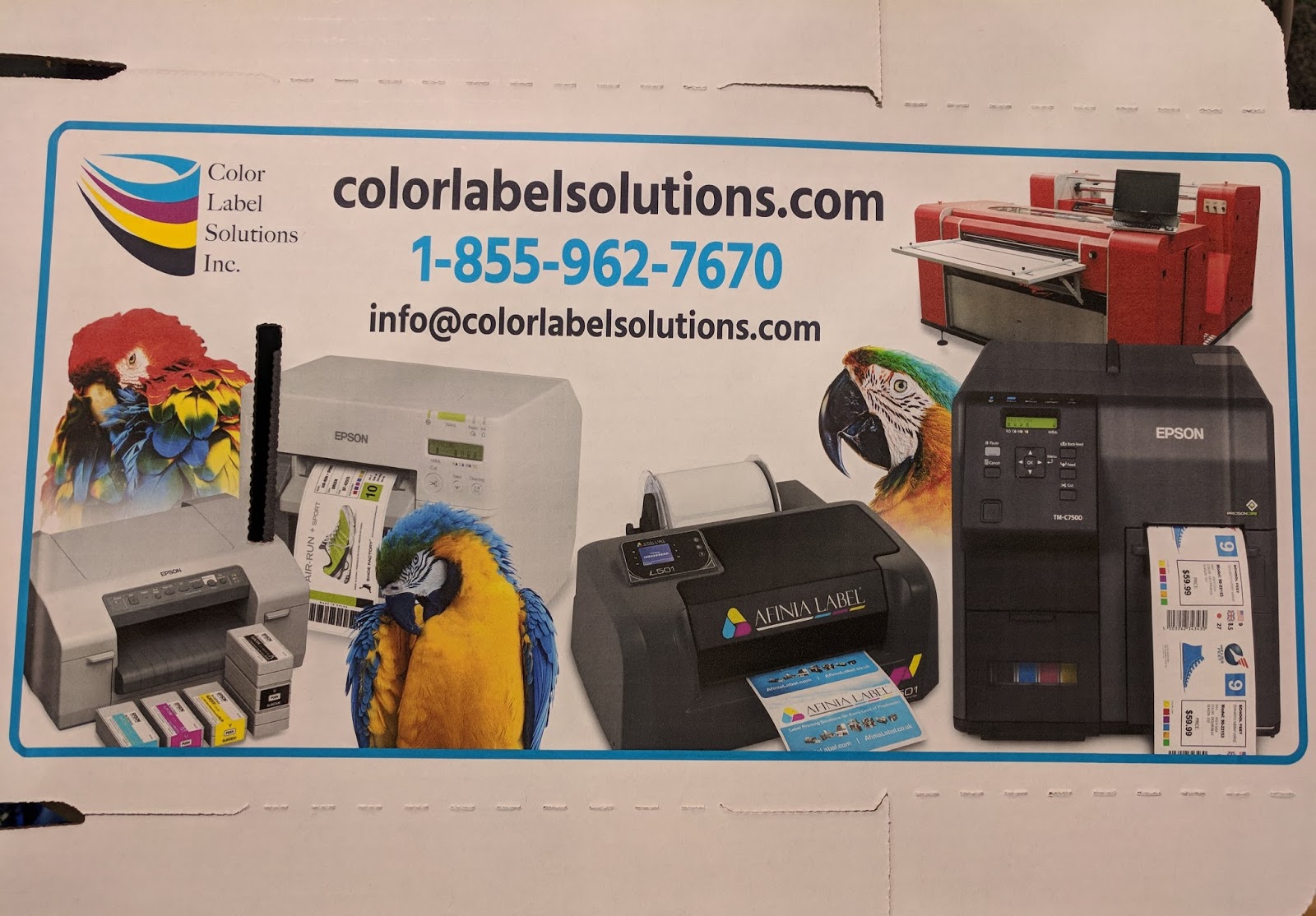
Look at the individual feathers in the parrot.  And the ink cost was less than $0.10.
And we test printed a “Panel” on white, non-inkjet coated, corrugated sheets.  Look at the print quality of this print output:

NS Multi Print Quality

This one approximately 18” x 14” panel cost approximately $0.025 to print.  Only $0.10 for 4 panels on a box.  Our ink cost is great!!
Our next steps are to set up our corrugated, inkjet coating process and install our box die cutting operation.  We hope to have these operations running shortly; so we can begin producing unique blank boxes for you.
If we can print samples for you, please contact us.  We’d love to show you how great the NS Multi prints.
Guy Mikel
855-962-7670

info@colorlabelsolutions.com

Filed Under: Label Printers Tagged With: Color Label Printers, Kiaro, Labels

5 Ways To Save On Labels

March 4, 2018 by value

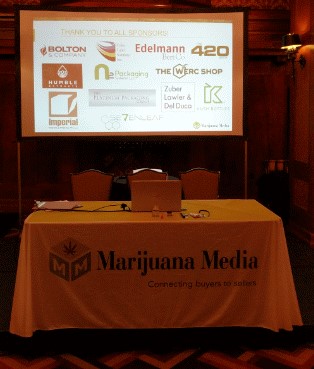
This week, I presented “5 Ways To Save On Labels” at Marijuana Media’s, “Packaging, Labeling, and Tips on How To Save Money” seminar in LA:

5 Ways To Save On Labels


http://marijuanamedia.com/marijuana-packaging-labeling-revolution-ahead-ca/

And I had a table with printers and label samples:

Color Label Solutions at Marijuana Media
Guy Mikel Presenting

In addition to myself speaking on labels, Joel Bessmer, who led the event had presenters covering Regulatory, Packaging and Legal aspects of labels for cannabis providers in California.  If you are interested in the presentations, you can get them here:

http://marijuanamedia.com/marijuana-packaging-labeling-revolution-ahead-ca/

As you all purchase and use labels, I encourage you to review my presentation.  You may find an idea that would save you money on your purchase of labels; including from us. To see the presentation, go to SlideShare:

https://www.slideshare.net/GuyMikel1/5-ways-to-save-on-labels

To summarize my presentation, the topics I covered were as follows:

  1. Preprint vs On-Demand: Depends on the number of SKU’s
  2. Variable Data Usage:  Depends on the number of SKU’s on how to approach
  3. Size Selection: Standard Sizes vs Custom Sizes depends on order quantity
  4. Order Quantity: Small Initial Orders vs Annual Orders
  5. Durability Requirement: Paper vs Synthetic
In addition, I provided two bonus ways to save on labels:

  • Manual vs Semi-Automatic vs Automatic application (watch the video on label applications on tubes)
  • Trusted Reseller (like us!)
But please go through the presentation and contact us if you have questions on any of the topics.  Or contact us if you want to save money on your labels.

Guy Mikel
855-962-7670
info@colorlabelsolutions.com

Filed Under: Label Printers Tagged With: Color Label Printers, Kiaro, Labels

WestPack 2018 Launch

February 11, 2018 by value

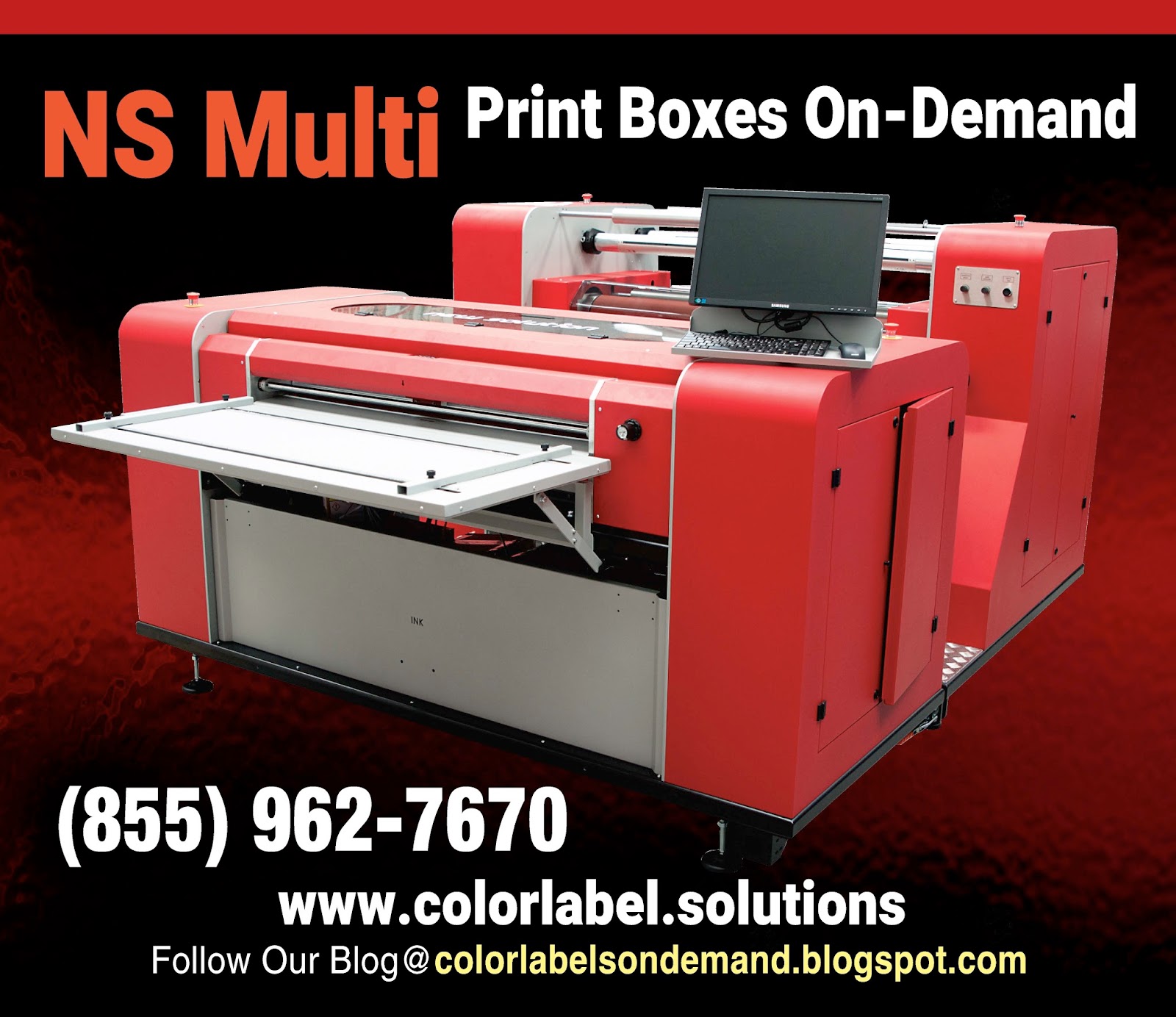
At WestPack 2018 in Anaheim, CA, we launched the NS Multi, the on-demand color box printer from New Solutions in Portugal. www.printboxesondemand.com 

Color Label Solutions and the NS Multi at WestPack 2018

Although we spoke to many people about label printing, most of our time was spent with people interested in printing boxes in color, and on-demand.  From this experience, I have 3 key observations that I would like to share with you.

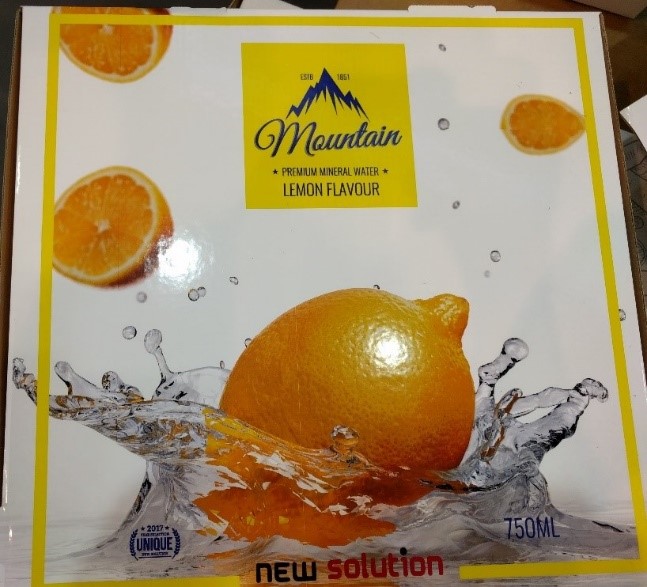
NS Multi Printed Box

First the NS Multi produces beautiful print quality.  In the picture above, we printed on a pre-cut box with a white face and coated with an inkjet receptive coating.  The print quality, which is up to 1600 x 1600 DPI is fantastic when using the inkjet coating.  Here is the print on our locally coated off-white box:


Inkjet Coated Box Printed by the NS Multi
In this print, you can see the individual feathers on the birds.  And no pixelated dots in our Color Label Solutions logo.  On the inkjet coating, the print quality is great.
Even on Kraft boxes, the print quality is very good; and probably good enough for many applications.
NS Multi Printed Kraft Box
But the same artwork on the white, inkjet coated side looked very nice.


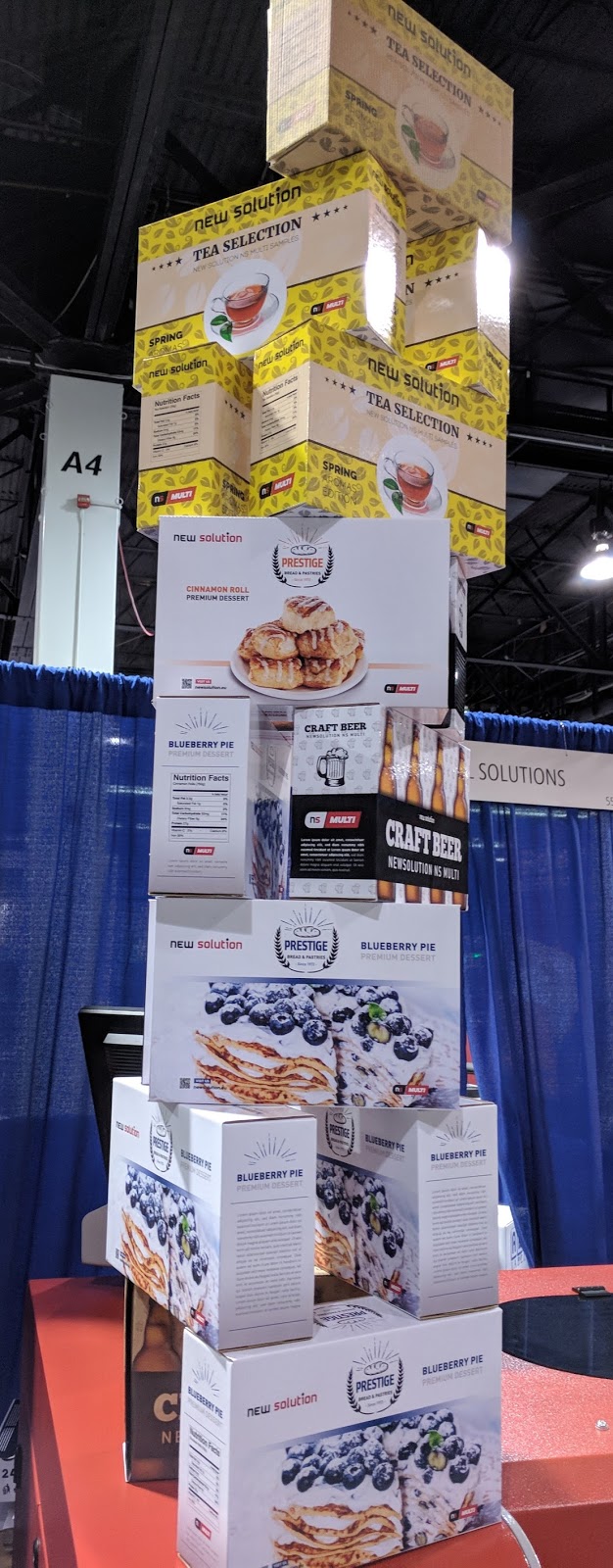
At WestPack, we made a stack/pillar of printed boxes on top of the NS Multi:

NS Multi Printed Box Stack
Second, the NS Multi will help many companies manage their inventory of empty boxes.  I spoke with several companies who had lots of SKU’s; and needed a different approach to box inventory management.  One company told me that they had 550 SKU’s with many hundreds of different boxes.  With so many SKU’s, this company had to purchase a large quantity of each box, and keep stacks and stacks of boxes in their warehouse.  

Plus, they had to pick the boxes they require every day from their inventory.  And the company has problems with obsolete inventory of boxes as their artwork and products constantly change.  By using the NS Multi, this company can eliminate obsolete inventory and can reduce their inventory of boxes to as low as 4 to 5.

NS Multi On Pallet Arriving at WestPack
Third, I was surprised by the number of people who wanted/needed some number of boxes printed.  These companies need a very short run of boxes; printed with their individual artwork.  Some of these people had very small companies, but still wanted good looking boxes in small quantities.  And some of these companies needed an initial short run for testing of new products.  It’s clear that a lot of opportunity exists for short run box production.
Overall, the NS Multi produces beautiful print output; and is perfect for companies with lots of SKU’s or companies who want to print boxes in short runs for their customers.  Two great targets for this new device.
To learn more about the NS Multi, read my previous post on this printer:

http://colorlabelsondemand.blogspot.com/2018/01/introducing-ns-multi.html

Or my post on Label Expo Europe where I first saw the printer:

http://colorlabelsondemand.blogspot.com/2017/09/label-expo-europe-2017.html


For $99,900, you get the NS Multi printer, the Caldera RIP software (https://www.caldera.com),  10 liters of ink, 5 printheads, 1 year of on-site service and installation/training support.  Everything you need to start printing your own boxes.  And you can purchase additional years of extended on-site warranty for $7900 for the 2nd year; and $15,000 for years 2 and 3.
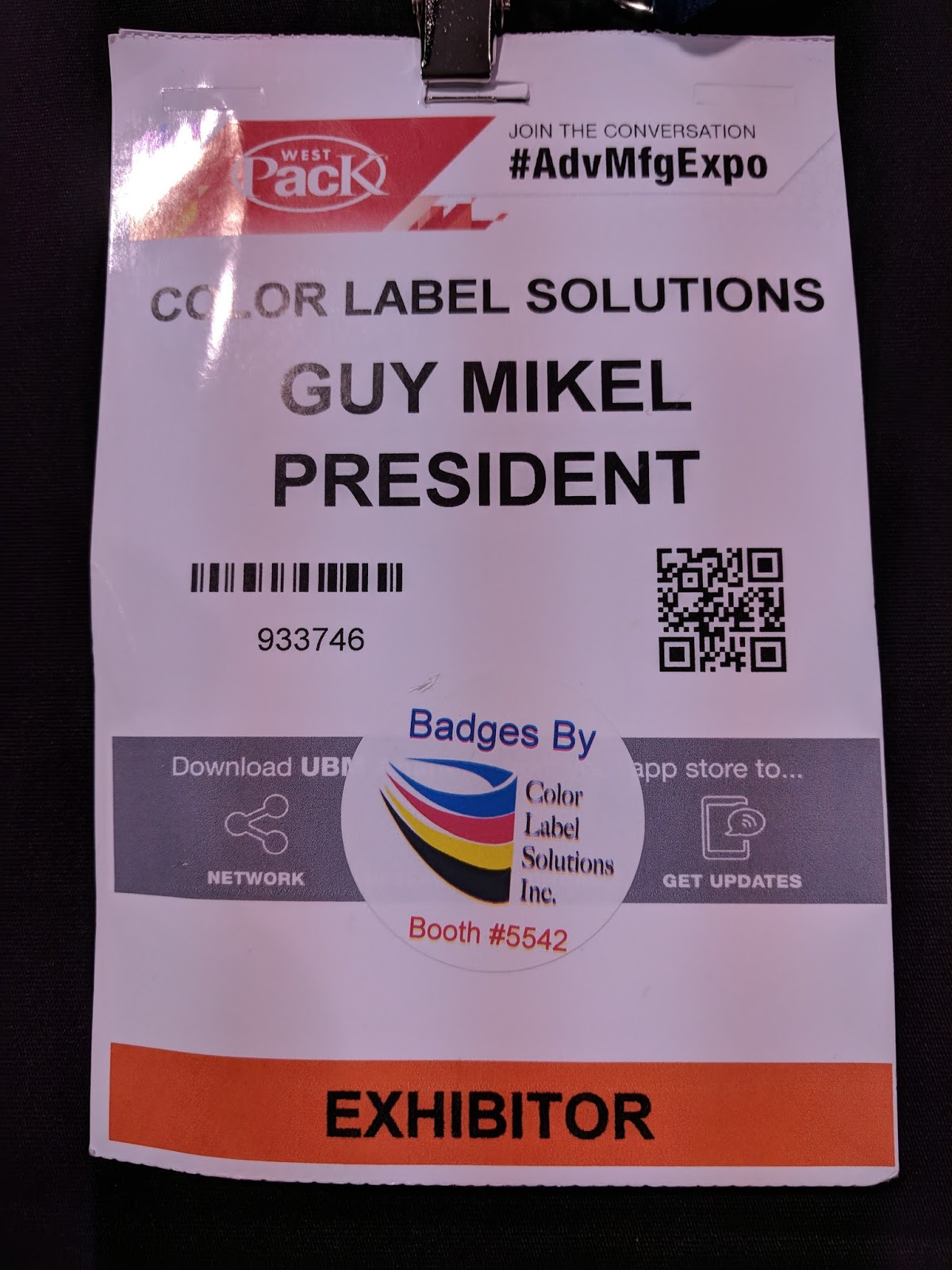
WestPack was not only good for us at Color Label Solutions because of the launch of the Multi, but also everyone who attended the show wore our 10 Pt gloss paper badge:

WestPack 10 Pt Gloss Paper Badge
Doesn’t it look great!  I’m excited the badges turned out so well.
If you have a lot of SKU’s and are in need of a box solution, or want to print boxes in color and on-demand for your customers, contact us to discuss how the NS Multi will meet your requirements.  After seeing how well their printer works, I’m convinced the NS Multi is a great fit for companies like yours.
Guy Mikel
855-962-7670
info@colorlabelsolutions.com 

Filed Under: Label Printers Tagged With: Color Label Printers, Kiaro, Labels

Introducing-The NS Multi

February 9, 2018 by value

February 6th, 2018 will be a big day for Color Label Solutions; as we launch a new line of printers.  Not for labels; rather we’ll launch a printer for boxes.


Introducing the NS Multi


At WestPack, 2018,  in booth #5542, we’ll launch the New Solutions Multi (NS Multi) box printer.  With this printer, you’ll be able to print any paper-based package up to ½” thick and 43” wide.
To prepare for our launch, I spoke with Stewart Bell, Vice President of Sales for New Solution, about the NS Multi.  When asked, was is the most important aspect, Stewart said, “The NS Multi is enabling technology.  The printer allows companies to print short-run, on-demand packaging easily and affordably on pre-cut cartons, corrugated sheets, or folded carton stock.  The NS Multi prints on paper-based packaging that will adsorb the ink.”
Stewart continues, “The NS Multi is perfect for any company with a large number of SKU’s that wants to print (from 1 to 300) pieces at a time.  Or companies that want to add variable data to their cartons, making each unique.  Probably most importantly, box manufacturers can now print short-runs of boxes for their customers quickly without worrying about plates or press time.” 

NS Multi Key Benefits
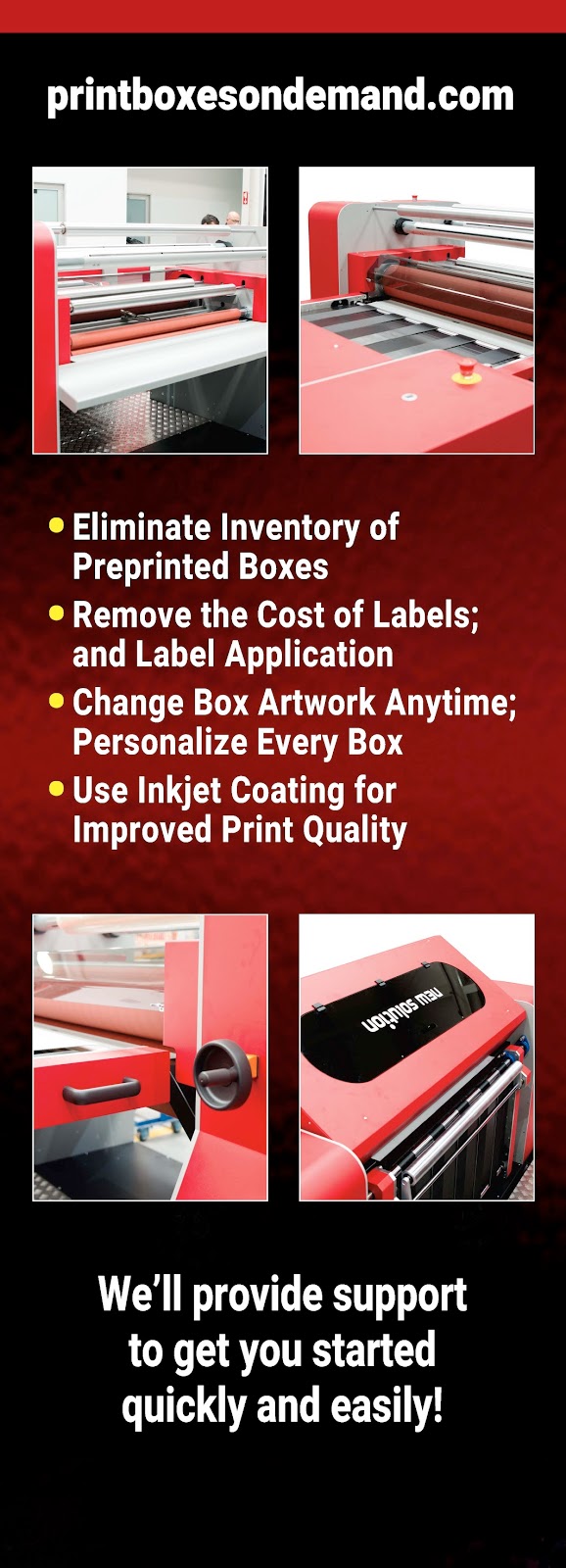
From my perspective, I see 4 key benefits from using the NS Multi.  First, you can eliminate the inventory of preprinted boxes. Now you can print the boxes you need, when you need them.  You will not be required to purchase a large run of preprinted boxes.
Second, you can change box artwork at any time; personalizing every box if desired.  It’s enables companies to “Brand On-Demand” quickly adapting their product messaging based on their target customers and/or distribution.
Third, you can eliminate the cost of labels and label application by printing directly onto your packaging.  Large labels can get expensive.  Label application by hand may lead to placement issues and takes a lot of labor. Label applicators cost a lot of money and can be a difficult process to implement.  By printing directly onto your package, you can replace many labels in your operation.
Fourth, the New Solution Company offers inkjet coating to apply to paper-based packaging.  This coating enables the NS Multi to produce beautiful, finished goods packaging by holding the ink within the coating giving it a durable high quality finish.  We’ll be showing this at WestPack.

Watch the NS Multi print boxes here:


Need custom printed sheets as a part of your packaging?  Check out what these guys are doing:


Or look how great these packages look.  Beautiful using the inkjet coating.


Or read about when I first learned about the NS Multi at Label Expo Europe: 

http://colorlabelsondemand.blogspot.com/2017/09/label-expo-europe-2017.html

As how the NS Multi compares to other box printers, Stewart says, “The NS Multi is competitively priced both for hardware and ink.  Along with the availability of the coating and a professional RIP, we offer a total solution that will empower companies to produce high quality packaging at the point of demand.”
The NS Multi costs $99,900 FOB Works Portugal; and includes 1 year of on-site service. the Caldera RIP, 10 liters ink and 5 printheads. In addition, you can purchase extended on-site warranty for year 2 for $7,900; or for years 2 and 3 for $15,000.   As for ink cost, this large image costs about $0.12 for the ink.  Label and ink costs for an image this large would be much higher.

Beautiful Multi Print Output
Come and see the NS Multi at WestPack February 6 to 8.  To get a free pass to this tradeshow, use this link: 

http://www.vipguestinvites.com/shows/ubmanaheim2018/submissions/colorlabelsolutions/colorlabelsolutions.html

Let us know if you are coming to this show.  I look forward to showing you the new NS Multi and our other printers at the WestPack trade show.
Guy Mikel
855-962-7670
info@colorlabelsolutions.com 

Filed Under: Label Printers Tagged With: Color Label Printers, Kiaro, Labels

CES 2018

January 12, 2018 by value

This week, I attended the 2018 Consumer Electronic Show  in Las Vegas.  CES is the world’s gathering place for all those who thrive on the business of consumer technologies. With approximately 170,000 attendees and 3,900 exhibitors, CES is the world’s largest tradeshow.


But I did not go to see what Google, Amazon or what others were launching; rather to see print on-demand badge printing in action.

C3500 Badge Printers at CES
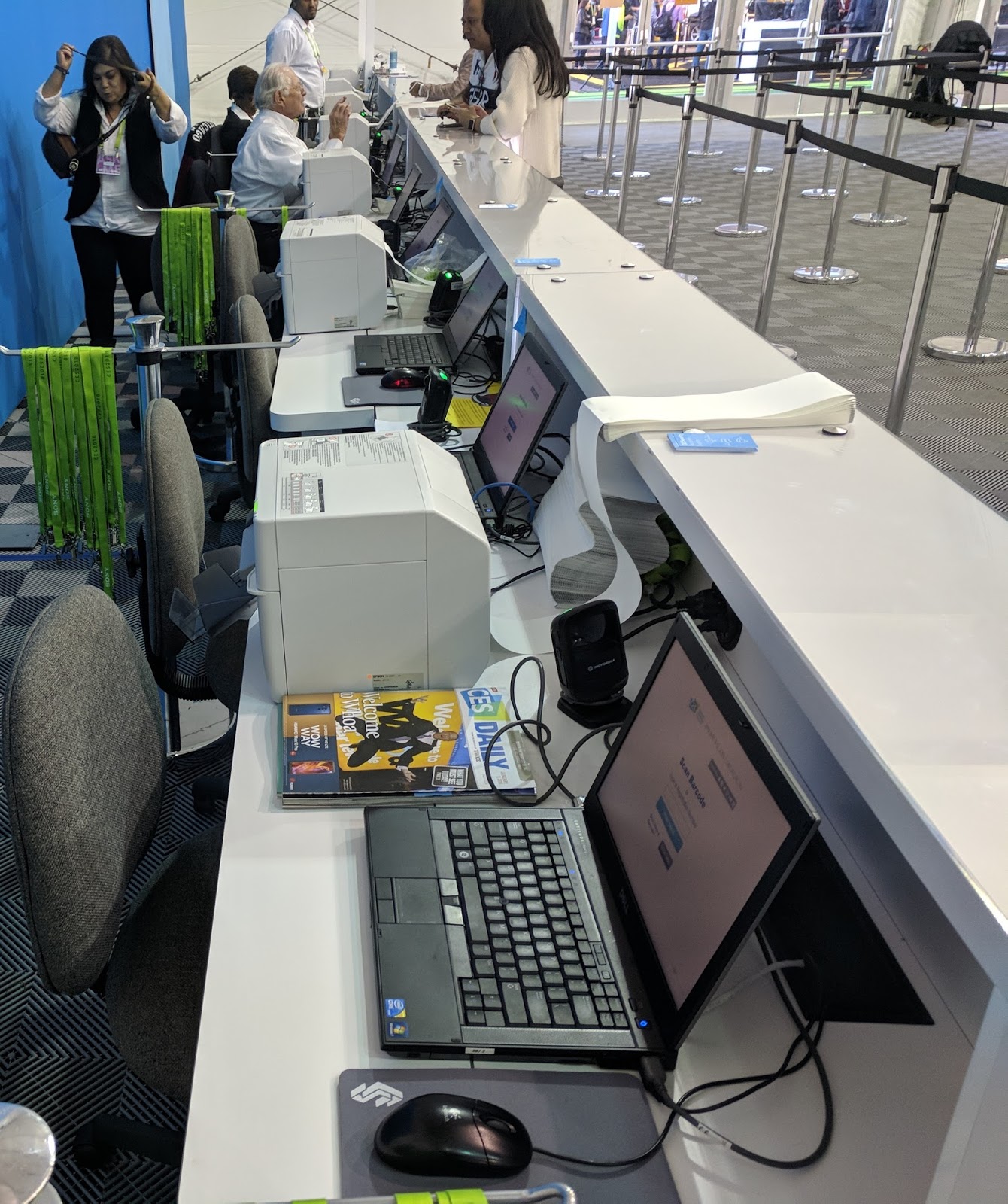
CompuSystems, www.compusystems.com, provided the registration solution, including identification badges, for CES.  Founded in 1976, CompuSystems has enjoyed many years as a major registration service provider for the trade show industry. They offer integrated software that meets the specific needs of their clients, creating an ecosystem that fosters the buyer and seller relationship.
If you follow my blog, you may remember this earlier post covering CompuSystems’ move to print on-demand color badges:

http://colorlabelsondemand.blogspot.com/2017/06/on-demand-color-badges.html

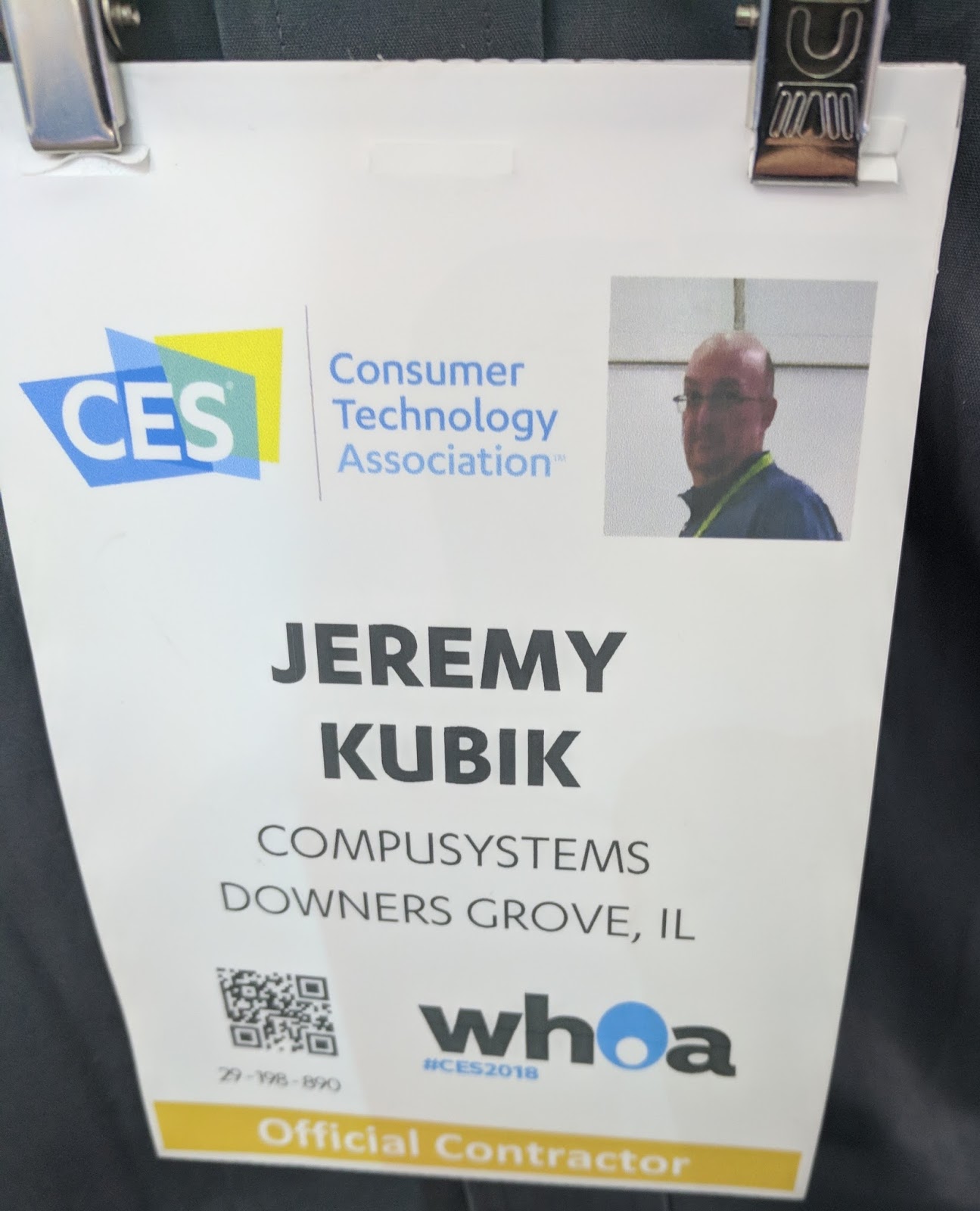
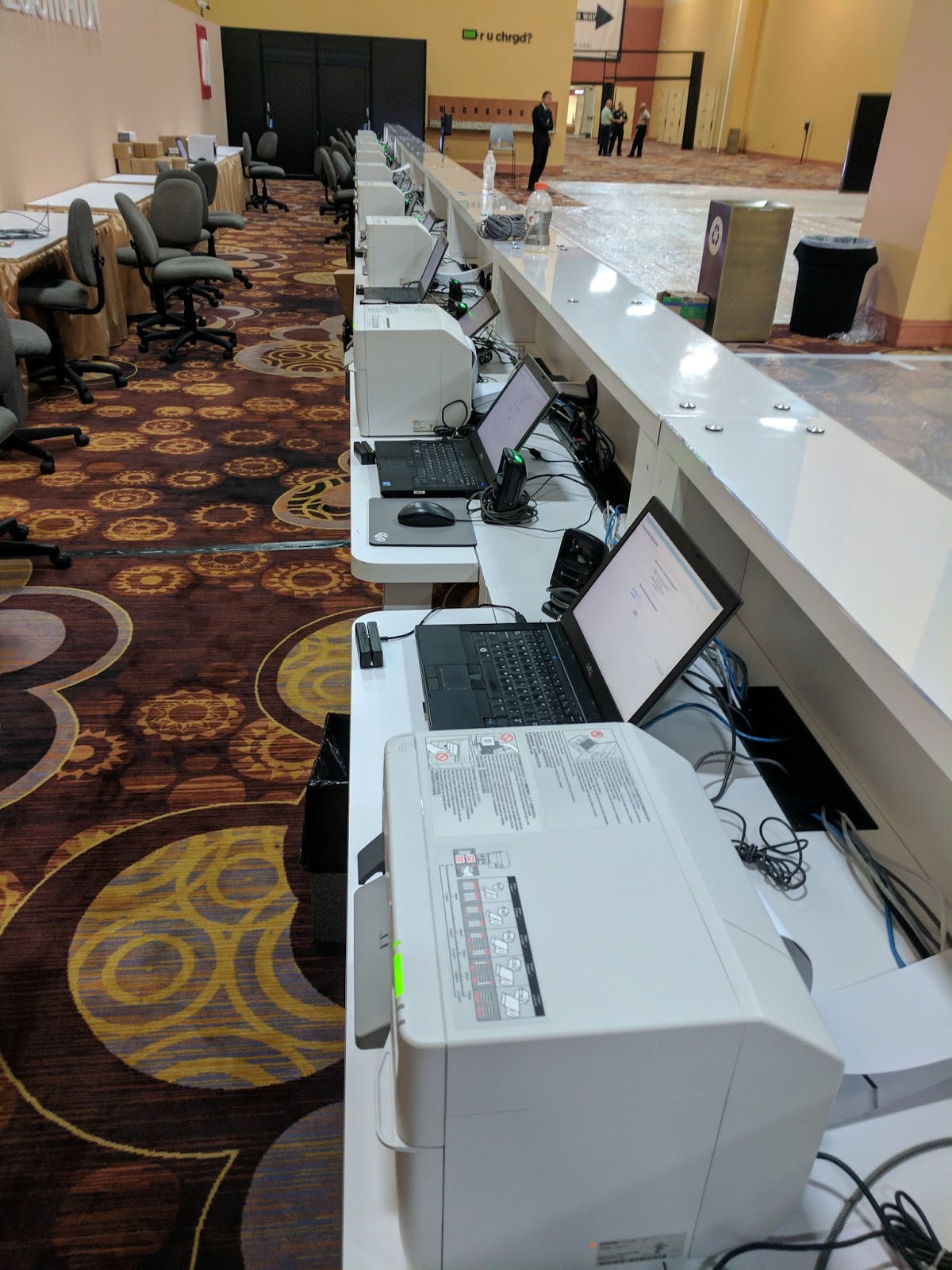
During my short visit at the end of the 2nd day, I found the solution that CompuSystems built for CES amazing.  According to Jeremy Kubik, Director of IT for CompuSystems, “we constructed and managed 19 different registration locations in Las Vegas for CES; including not only the main registration tent and the various halls of the convention center, but also in hotels across Las Vegas. We even had three registration areas at the airport.”

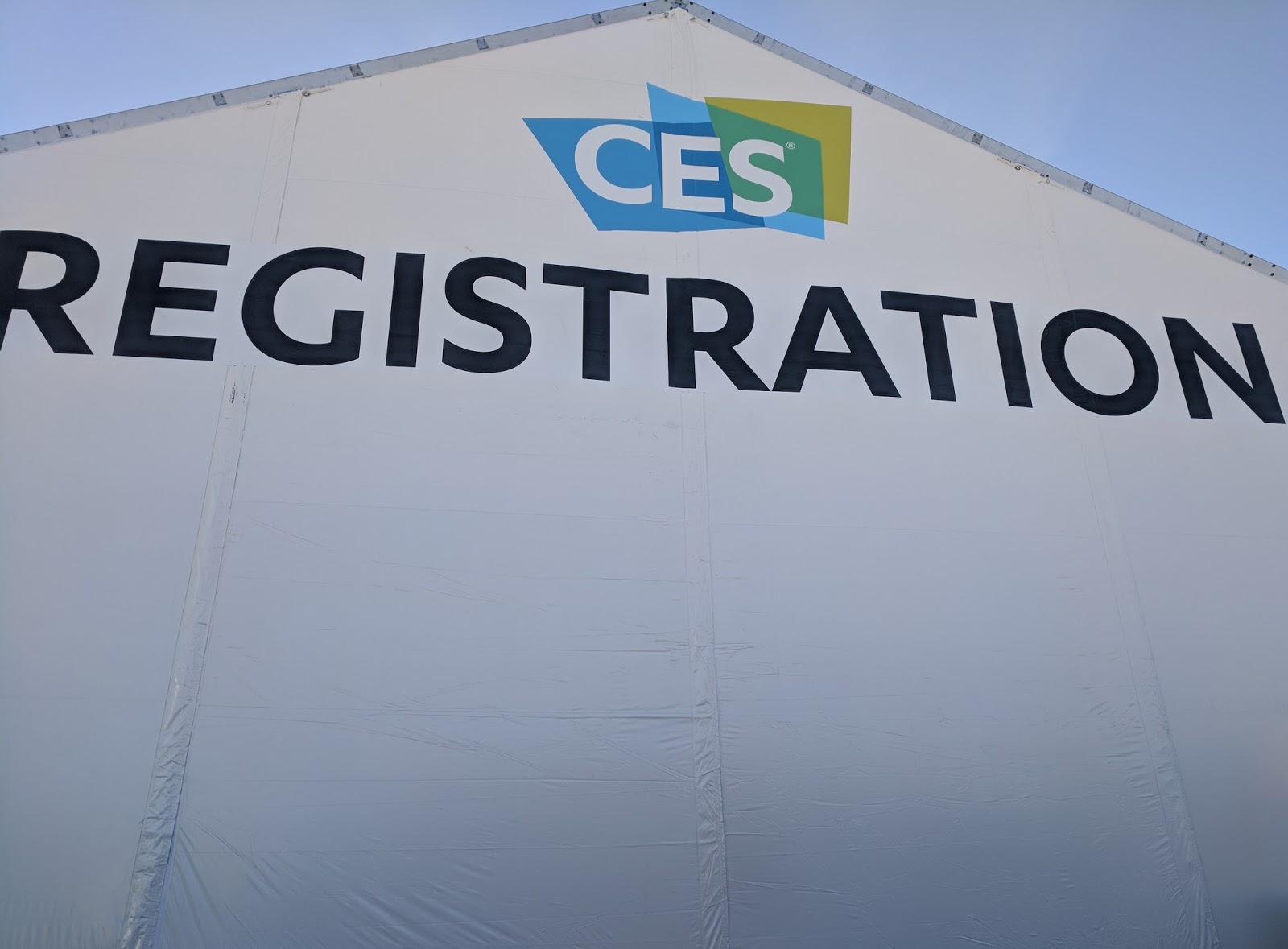
CES Main Registration Tent
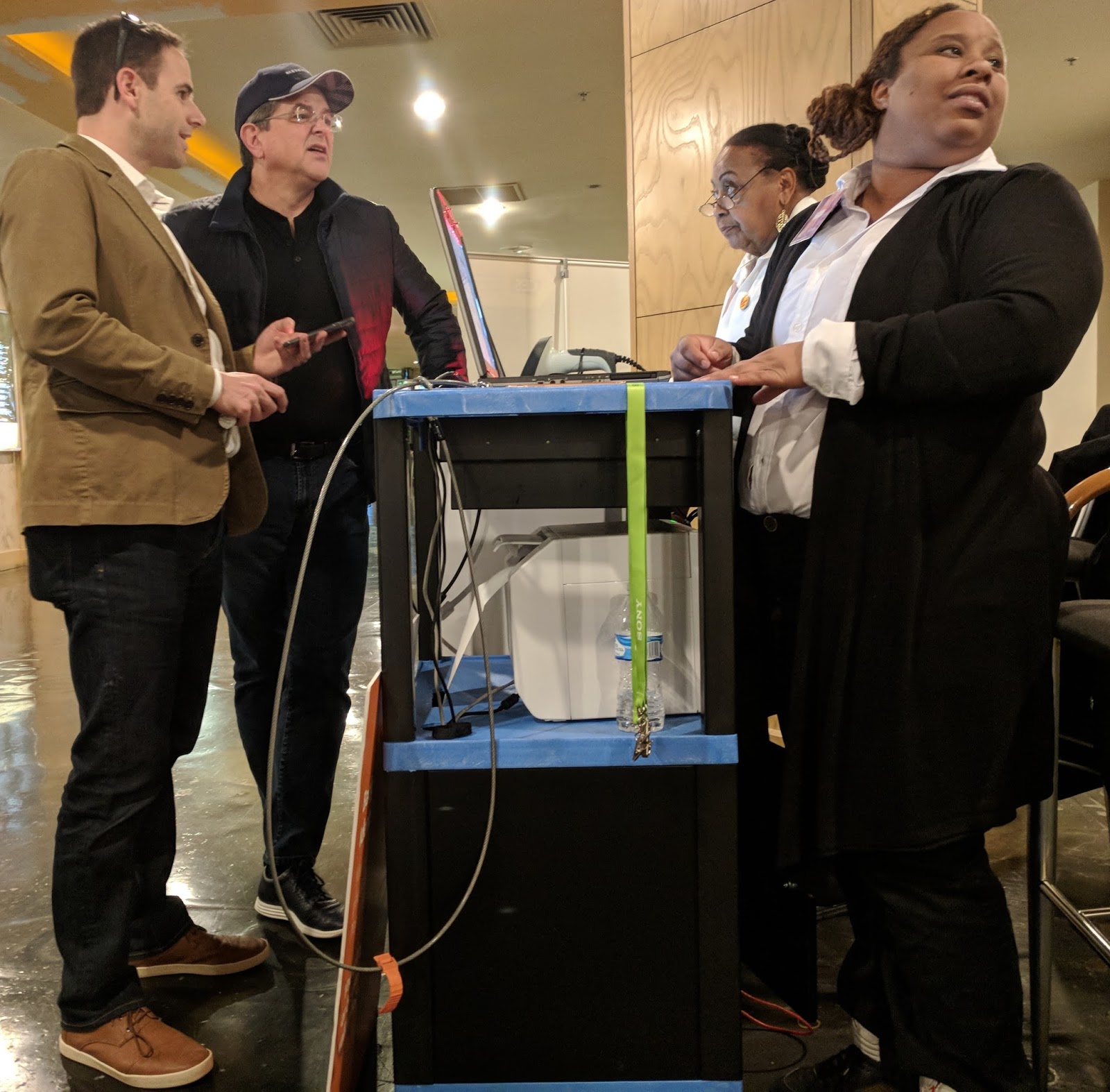
At the various locations, the CompuSystems team setup carts that included a computer, printer and wireless router to connect to the servers running BarTender.  CompuSystems added these locations just prior to the show including the VPN networks to handle all of the data.  Here was the cart running at one of the hotel locations.

Registration Badge Cart at CES
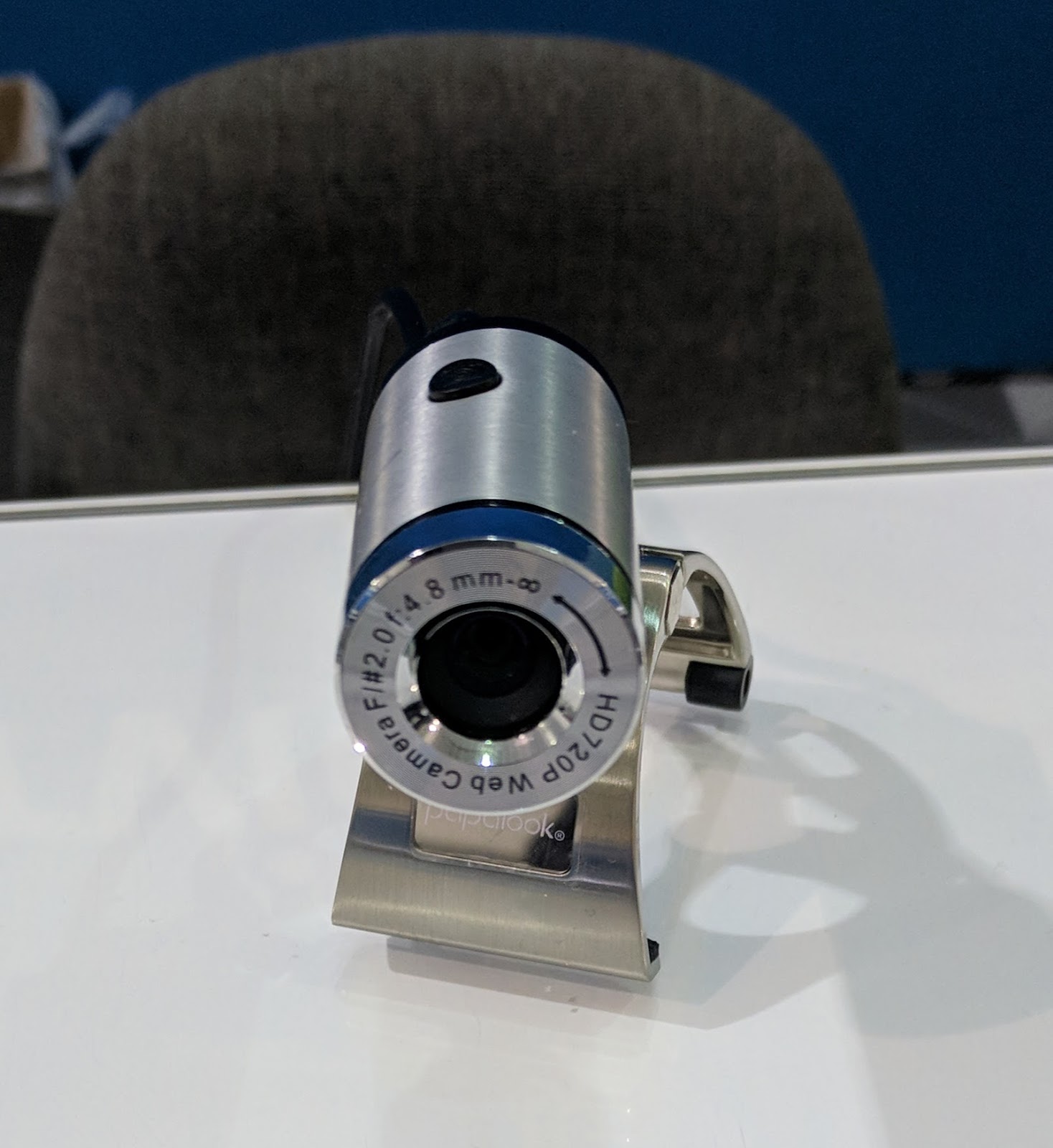
In addition to the network of registration desks, Jeremy and his team used BarTender to create the template and add the variable data to the badges.  The badges included fixed images such as the CES logo and an advertisement on the back panel, but also variable data including a picture which was required for all attendees.  For example, attendees could upload an image prior to the event, use the CES application on their phone, or capture a picture during registration using a small HD web camera:

Camera for Badges
And all of the images were verified instantaneously by an application to confirm the picture was a face.
Also, CompuSystems added a lot of variable data; such as name, company, city and QR code for lead retrieval. In addition, they added color-coded bars for the type of attendee or exhibitor (13 total types).

CES Print On-Demand Color Badges
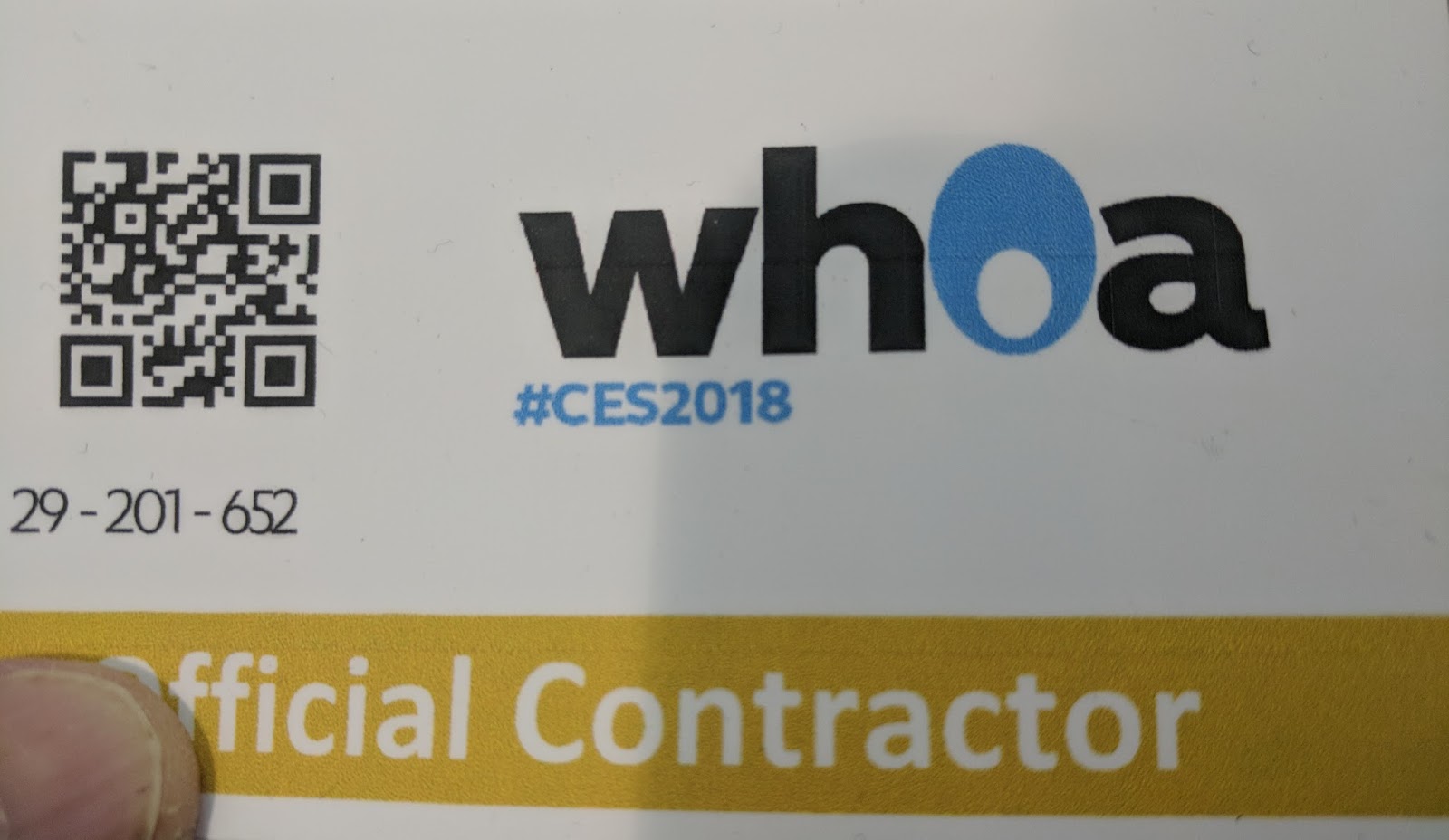
For the badges, CompuSystems used a 4” x 12” matte poly tag with a crease in the middle to enable front/back printing.  I thought these poly badges printed great; including the images.  For example, the WHOA image, the CES mark for the 2018 show, look great.

WHOA CES 2018
WHOA CES 2018
Or the advertisement on the back panel:

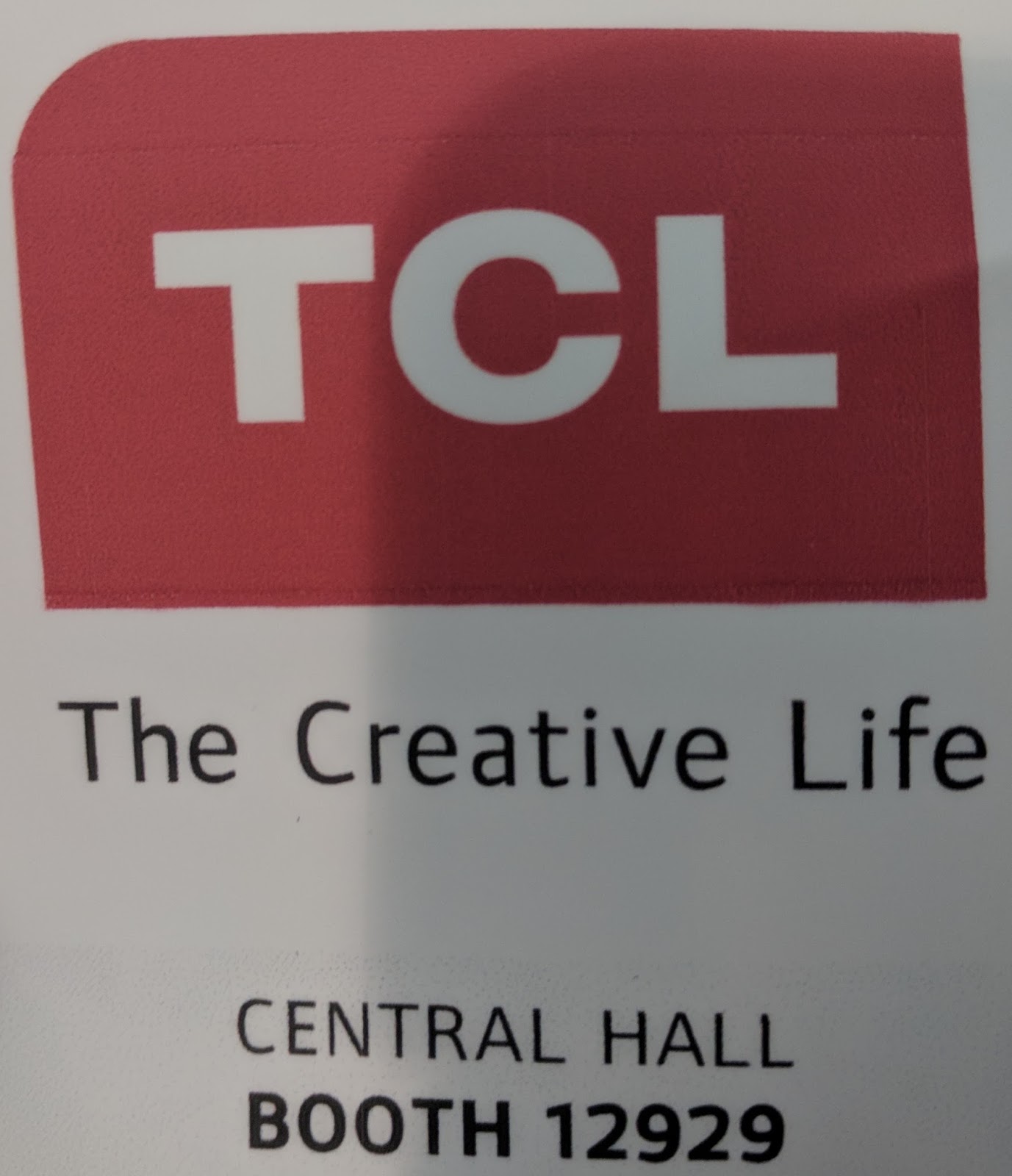
CES Badge Advertisement
After attending CES 2018, I believe Jeremy and the team at CompuSystems deserve an “atta-a-boy” for their work and their on-demand badge solution for the CES show. I can’t imagine the pressure of having hundreds of thousands of people waiting for badges at a trade show; I’m glad the printers and badges worked great.

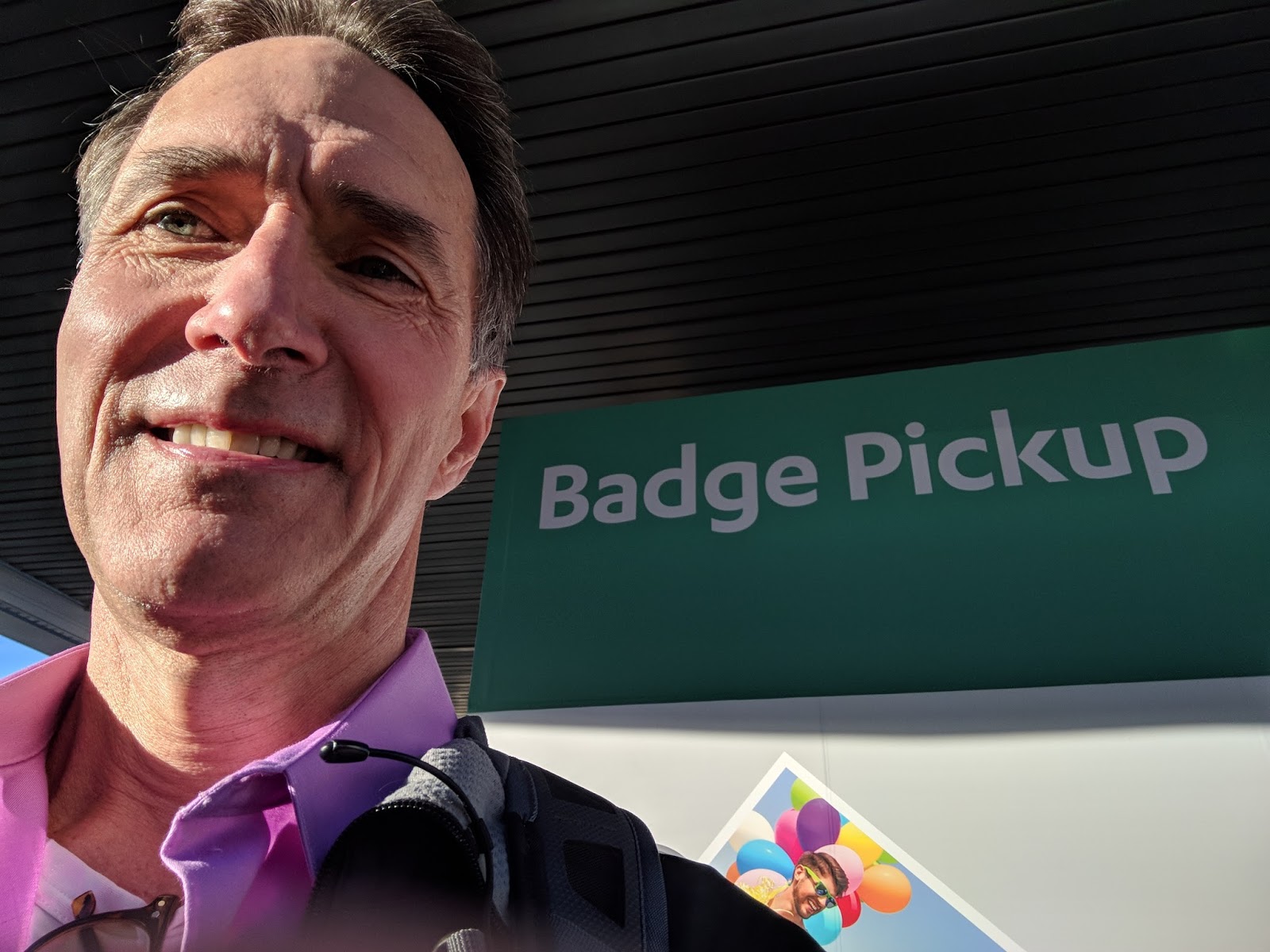
Guy Mikel at CES 2018
If you want badges for your next tradeshow, pick them up from us here at Color Label Solutions.
Guy Mikel
855-962-7670
info@colorlabelsolutions.com 

Filed Under: Label Printers Tagged With: Color Label Printers, Kiaro, Labels

Best of 2017

December 28, 2017 by value

During 2017, we published 31 original (32 if you count this one) posts on 

www.colorlabelsondemand.blogspot.com

which was more than our goal for the year.  As most of you don’t read every post, I’d though you might find a summary of these posts of interest.

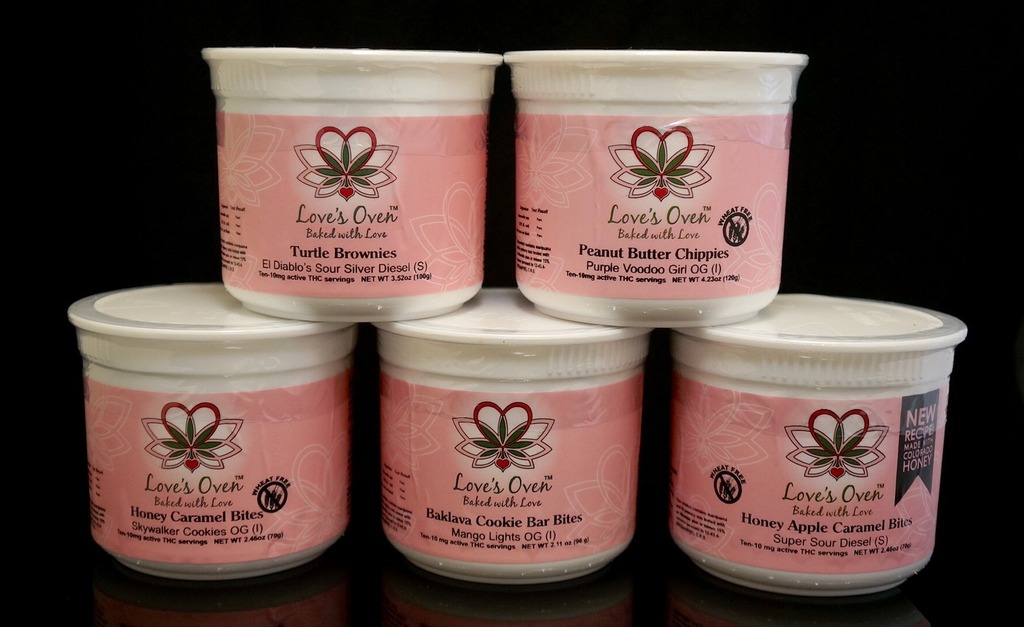
Love's Oven Labels
Love’s Oven Labels

As for most read, two stick out.  First, the post that was read the most covered Love Oven’s use of the C7500G.  These guys produce great looking, full-bleed labels. 

http://colorlabelsondemand.blogspot.com/2017/03/edible-love.html.   

Plus, I love how Katie from Love’s Oven built the printing solution herself.  Good work!

L301 label printer Afinia
L301 from Afinia

Second, the next most read post of 2017 was my review of the new L301 color label printer.  This printer produces great looking labels; at the most affordable hardware price of any label printer we sell.  

http://colorlabelsondemand.blogspot.com/2017/02/l301.html.

Color Badge Tag Printers

But the most read does not always represent my favorites.  My favorites are reserved for customers who have built and implemented great label printing solutions.  My two favorites for 2017 have us and BarTender in common.  First, CompuSystems built a great solution using BarTender and the C3500 for printing badges in color and on-demand:  

http://colorlabelsondemand.blogspot.com/2017/06/on-demand-color-badges.html.  

Plus, we worked hard to put together badge options; including matte paper, gloss paper and matte poly tags.  These different tags produce great looking badges.

Quickscrew Label
Quickscrew Label


Second, the Quickscrews used BarTender to pull text, images, color-codes and barcode data from their database to produce labels for 10’s of thousands of SKU’s. As the name of the post states, it’s the perfect example of a print on-demand color label solution.  

http://colorlabelsondemand.blogspot.com/2017/05/perfect-print-on-demand-color-label.html.

LX2000 vs C7500 Ink Cartridge


By far the most controversial post was my analysis of the differences between the C7500 and the LX2000.  As you may know, I add posts to Linked In after publishing.  On Linked In, this post created a lot of comments about the comparison, including one from the VP of Sales from Primera.  What do you think of this analysis? 

http://colorlabelsondemand.blogspot.com/2017/09/lx2000-vs-c7500.html

Guy Mikel at Label Expo Europe

And by far the most difficult post was the report on my visit to Label Expo Europe.  Lots of pictures, video’s and links which make posting a lot more difficult. But I found the Expo very valuable.  See my perspective of the show here: 

http://colorlabelsondemand.blogspot.com/2017/09/label-expo-europe-2017.html

And in this post, you’ll see the new printer we’re launching at WestPack 2018 in Anaheim February 6 to 8.

I enjoy posting my opinions and customer stories covering printing color labels on-demand; It takes work.  But your readership of these posts is the real payoff for this effort.  To date, Google says we have 320,000 page-views from individuals all over the world.  I appreciate your readership; and I hope you find the information in these articles valuable.  May you have a great 2018.
Guy Mikel
855-962-9670
info@colorlabelsolutions.com

Filed Under: Label Printers Tagged With: Color Label Printers, Kiaro, Labels

Affordable Digital Label Solution

December 18, 2017 by value

If you are one of the two following types of companies:
  • A printer who wants to start printing professional looking labels
  • A manufacturer with lots of SKU’s who needs a large variety of sizes/types of labels

And neither one of these types of companies want to spend a lot of money.

We have a great solution for you; the C7500G combined with the Eclipse Mini Finishing Station.

Eclipse Mini Finishing Station
For approximately $20,000, you can now print, laminate, die-cut and weed labels up to 4.25” wide; that look similar to labels produced by very expensive presses. 
I first saw the Eclipse Mini at Label Expo Europe.  Read about the Eclipse Mini here:  http://colorlabelsondemand.blogspot.com/2017/09/label-expo-europe-2017.html

Recently, I had the Eclipse Digital Label Finishing Machines, http://www.impressiontechnologyeurope.com/eclipse.html , which is a division of Impression Europe, print and finish labels for us.  Watch here the C7500G print labels:


By printing multi up, you can print any width labels up to 4.25” wide and up to 22” long using the C7500G in continuous mode; and combined with the Eclipse Mini Finishing Station.  Watch the Eclipse Mini finish these same labels here:


And you get great looking labels:

C7500G/Eclipse Mini Finished Labels

In addition to printing great looking, durable labels, you can produce labels relatively easily.  The most difficult aspect of printing/finishing the labels with the C7500G and Eclipse Mini is the process requires someone who understands Adobe Illustrator or Corel Draw.  You need this expertise to add the die lines on the label artwork.  Once the correct die line template is establish, you use this same setup on each label of the same size.  If interested, we can send you the instructions to create the cut-line graphic for the Eclipse Mini.
The C7500G is the most affordable and easy to use means to produce professionally-looking and durable labels available.  If you are a printer who wants to start selling great looking labels, or a manufacturer with lots of SKU’s who wants to produce professionally looking labels in house, consider the C7500G and Eclipse Mini solution.
Guy Mikel
855-962-7670
info@colorlabelsolutions.com 

Filed Under: Label Printers Tagged With: Color Label Printers, Kiaro, Labels

Plastic or Glass – What Difference Does It Make to Labeling

December 14, 2017 by value

Comparing Plastic or Glass Containers 1. Product Handling With Glass you need to be more careful with product handling as glass breaks. Extra precautions include insuring there are no places where a build-up of product would result in an overflow of product that would fall off the machine.  Glass products can “catch” on one another and cause […]

Filed Under: Labeling Machines Tagged With: label applicators, self adhesive labeling machine

Meet Tim

December 10, 2017 by value

Recently, our Support Manager, Tim Semic, reached a milestone in providing support to our customers: 1,000 support calls.


Color Label Solutions’s Support Manager-Tim
You may have read some of Tim’s previous posts.

http://colorlabelsondemand.blogspot.com/2015/07/word-sucks.html Word Sucks

http://colorlabelsondemand.blogspot.com/2015/09/over-wan.html Over A Wan

http://colorlabelsondemand.blogspot.com/2016/02/printing-from-epson-label-printers.html Printing Labels Using Mac’s

http://colorlabelsondemand.blogspot.com/2017/07/no-risk-label-printing.html No Risk Label Printing

Tim’s first call entry was May 7th, 2015; about 2.5 years ago.  When I learned of Tim’s call milestone, I asked, “what do you remember from your first call logged?”  According to Tim, “My first call was from a large beverage company and I remember being a bit nervous. The problem turned out to be a bug in the C3500 printer driver software that I was able to resolve by uninstalling and then reinstalling it using the Epson Install Navi. The Epson Install Navi is a more comprehensive installer and is helpful in installing label printers onto an Ethernet network. I have found that certain problems can be resolved by reinstalling the printer driver.”  Having never trained or worked as a Network Manager, I find these support situations the most difficult.

C7500 Install Navi
Install Navi 
I also thought immediately, how many calls did you take prior to starting a call log?  Tim said, “I took about fifty calls before I started logging them. At first, all I logged was the problem, but later for reference I noted what the fix was too.” Initially, I did a lot of the support calls.  But now Tim handles almost all of them.

C7500G
C7500G
When I provide support, I get frustrated easily; as I want to provide the answer to the issue quickly.  Given my personal experience, I asked Tim what he does not to get frustrated.  “If I begin to feel frustrated, I know it’s time to take a break.  I don’t want to burden our customer with this feeling. I just take it one step at a time and enjoy the work.”  Good idea.
But some calls are difficult.  I asked Tim what was his worst support call.  Tim said, “My worst call is any call where I find a hardware failure. I like to be able to solve problems for our customers.  When a device has a hardware failure, I can’t fix this kind of problem over the phone.  I have to give my customer the bad news. Depending upon the problem, the device may be unusable until it has been repaired. That’s not the kind of resolution that I hope for when I take a call.  Machines and electronic devices are susceptible to failure. Ask yourself this, if a device you own fails, would that be an inconvenience or a catastrophe?  If the answer is catastrophe, you should have a plan in place for when that device fails.  All mechanical and electronic devices will eventually fail.  It’s not a question of if, it’s a question of when, so please be prepared.”  Good advice Tim.  
But for the difficult calls, you get great calls as well.  I asked Tim what was the call that you provided the most support.  According to Tim, “I helped a chemical company set up their printing system.  After the setup was completed, I went on to create PDF format labels for them over the course of a year.  That on-going support was great as it allowed me to form a relationship with the customer.” 

Tim continued, “Also, I recently took a call around 10 p.m. at night, where the customer was planning on just leaving me a message.  We wound up working together that night to set up his new label printer.  We finished up slightly before midnight.  He was very grateful for the late night assistance which allowed them to be up and printing the next day.  I was happy to help.”  All I can say it, thanks Tim for great customer support!  You’re raising the bar for us high!

C3500
C3500 
At Color Label Solutions, we provide technical support to our customers, both initially to get them printing quickly and easily; and anytime they need additional help.  And we help them navigate the break/fix process when their printers need repair.  If you need a label printing solution, purchase from someone like us that is available to help when needed.
Guy Mikel
855-962-7670
info@colorlabelsolutions.com 

Filed Under: Label Printers Tagged With: Color Label Printers, Kiaro, Labels

Seattle Cannabis

December 3, 2017 by value

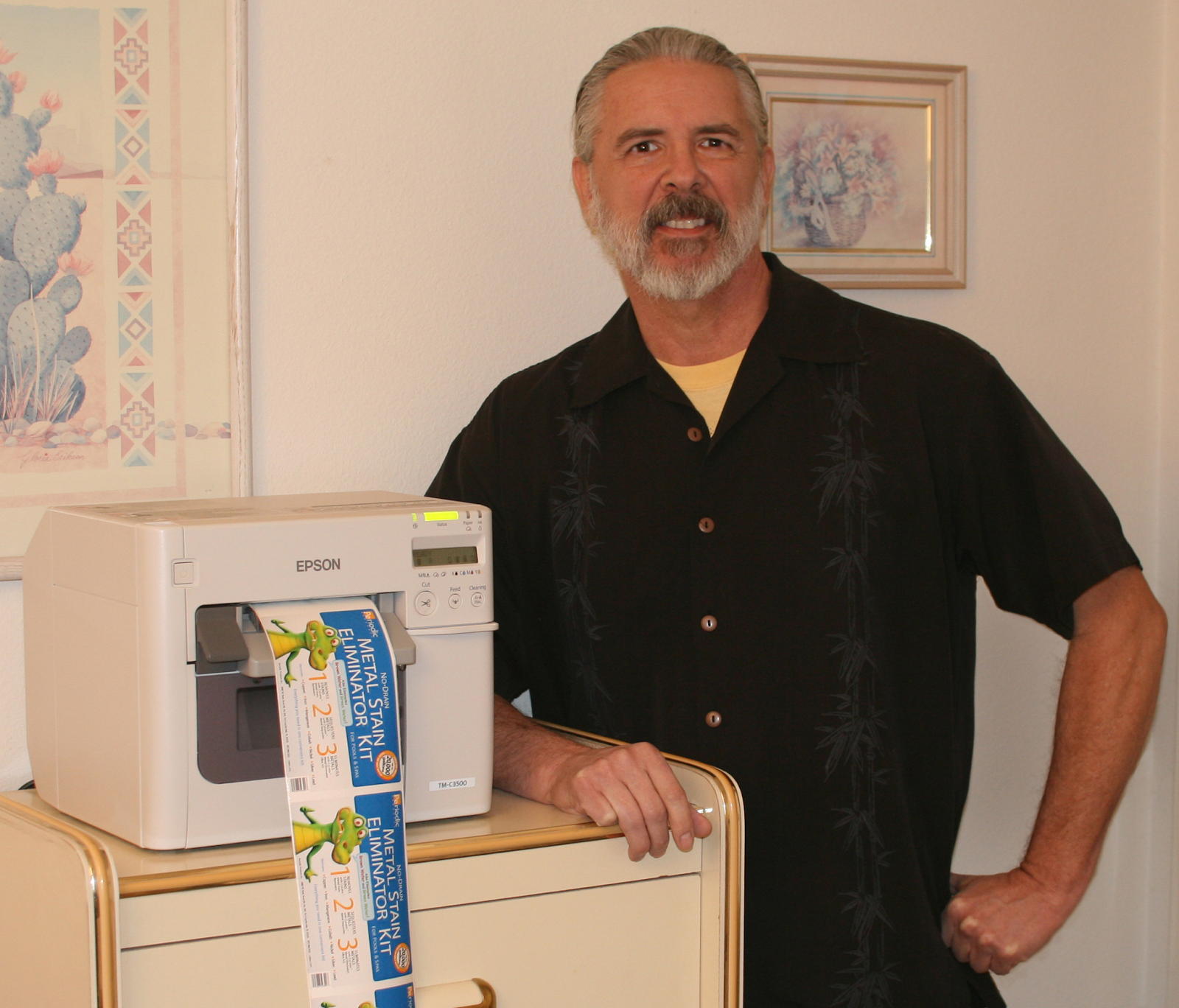
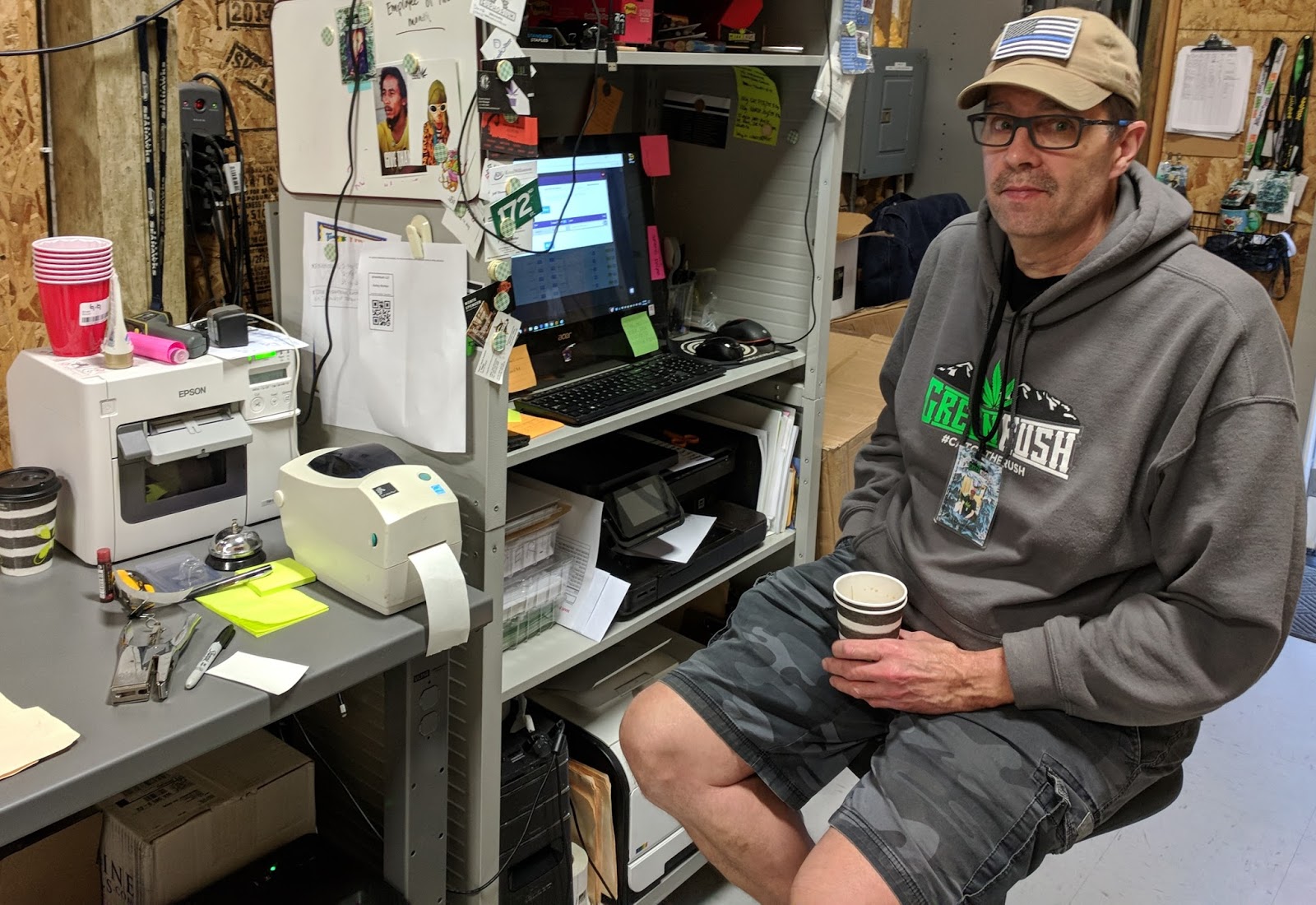
While traveling in Seattle, I had the opportunity to meet two of our customers in the cannabis market: Green Rush Cannabis and Georgetown Cannabis.


Green Rush Cannabis, http://catchtherush.com/,   is a WA i502 producer-processor located in the scenic Snohomish Valley. They produce a clean, sophisticated crop that has become a preferred brand for a number of top shops in Washington state known for their consistent terpene flavor, high quality, and deep impact.  GreenRush Cannabis is a recommend brand by expert budtenders.

Green Rush Cannabis
Green Rush Cannabis
Personally, I found Green Rush’s growing rooms, very clean and professional.
Mark Flanders, owner of Green Rush Cannabis, and I first met at Cannacon Seattle in February 2017.  At the time, Mark was looking for a means to print labels for their products with their logo, text and variable data.  Initially, Mark was looking for 4×2” and 3×2” matte or gloss paper labels produced on an affordable color label printer.  Based on these requirements, I recommended the C3500 printer.

Mark Flanders, Green Rush Cannabis
After initially testing the paper, we found the labels “flagged” and came off the joint tubes. This flagging is not a result of the adhesive, rather the memory in the paper.  Based on these results, we switched to matte poly labels that have less memory and work better on the tubes.

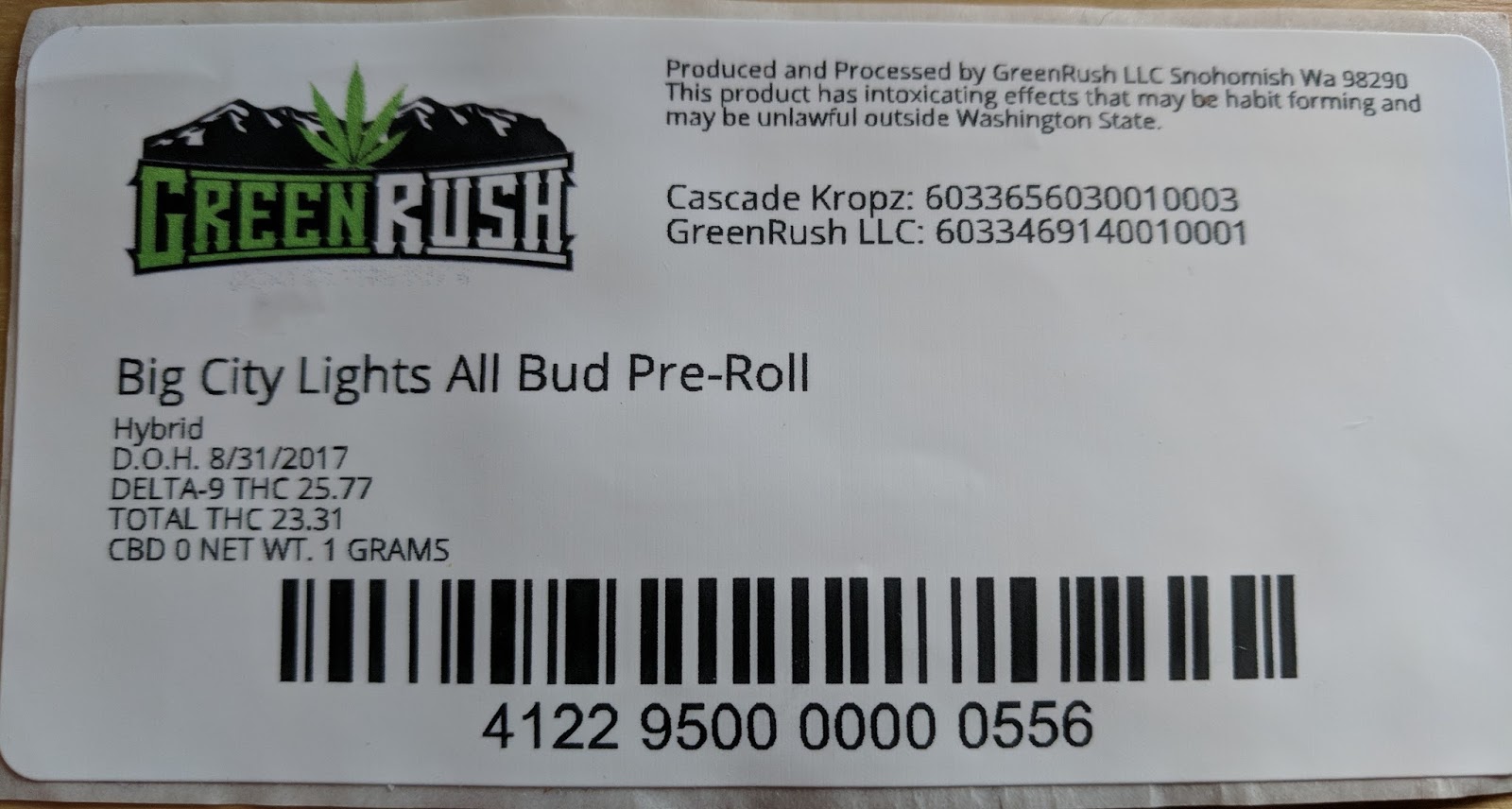
Green Rush C3500 Label
In our discussions, I learned that Green Rush uses Grow Flow, https://getgrowflow.com/, traceability and sales system.  According to Mark, “to produce our labels, we requested GrowFlow to design our label templates.  Inside GrowFlow, the variable data is pulled and sent to a format that is produced as a PDF.  This system works great for us”.
The Green Rush label artwork is perfect for the C3500.  It’s a basic white label with a logo, text, barcode and variable data.  For this application, the C3500 works great.  And the integration with GrowFlow is a great addition, adding value to their customers.

Based on their success, Green Rush is expanding.  Mark says, “We’re setting up another location, to cultivate as well extract.”  Based on my experience, I can see why Green Rush is a success.
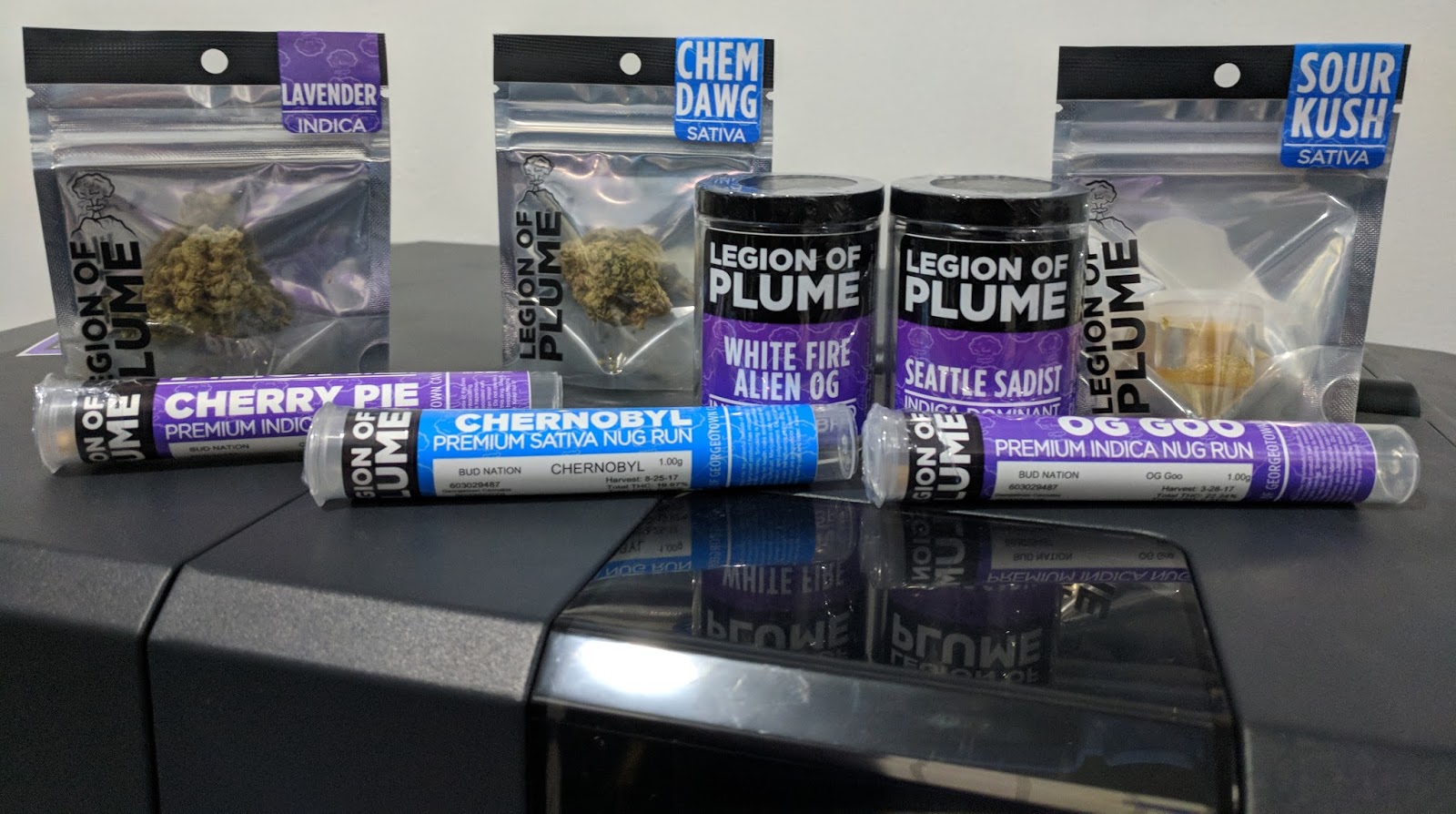
Georgetown Cannabis Company, http://georgetowncannabisco.com/, experienced team is passionate about the cultivation of their naturally grown cannabis.  They trim their buds to ensure quality and bag appeal.  Georgetown cultivates cannabis as natural as possible, and staying away from pesticides with the use of beneficial insects. Though innovative growing methods and their no shortcut approach, Georgetown strives to bring their brand, “Legion of Plume” of high quality, cannabis to their customers.

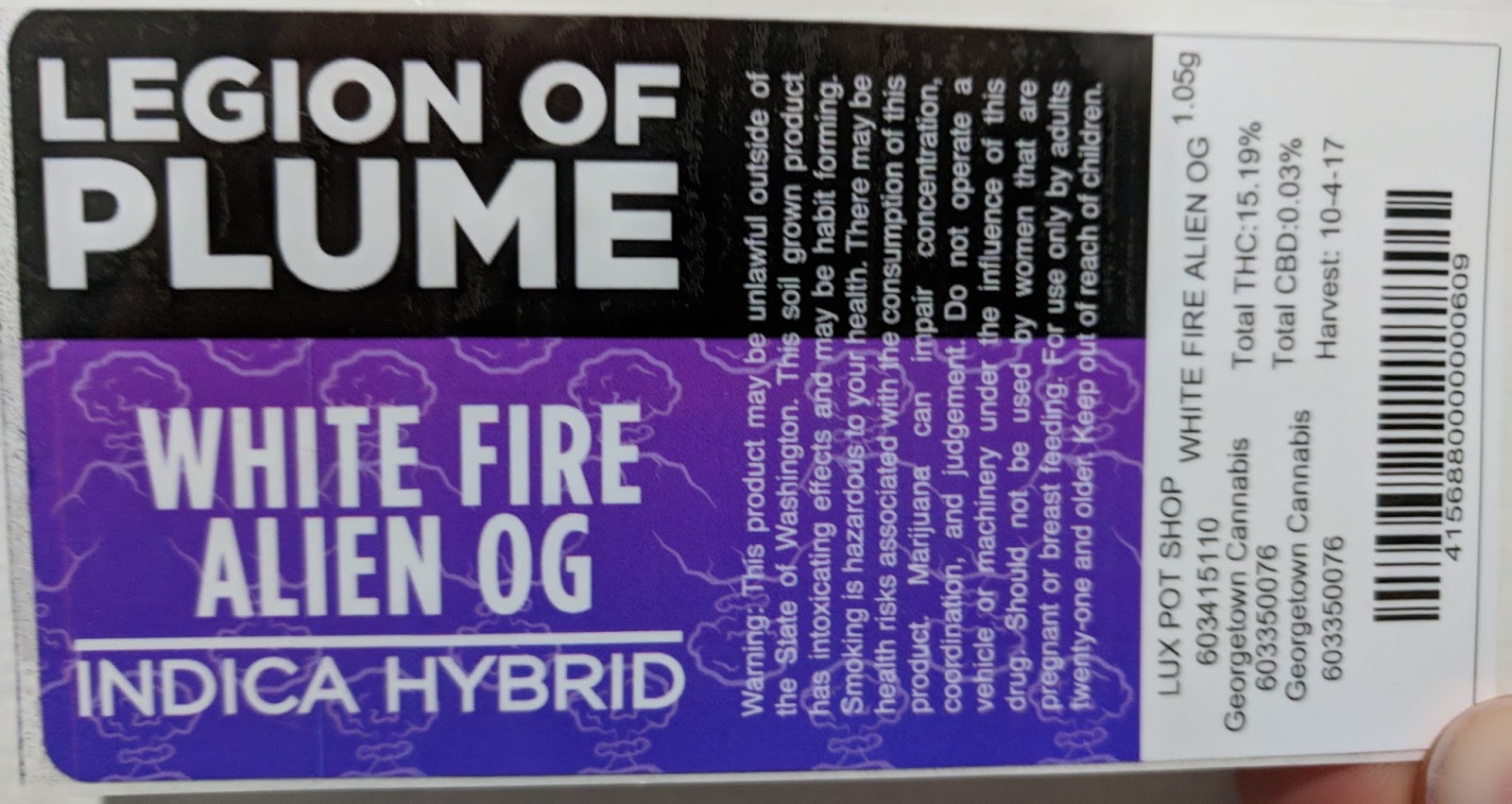
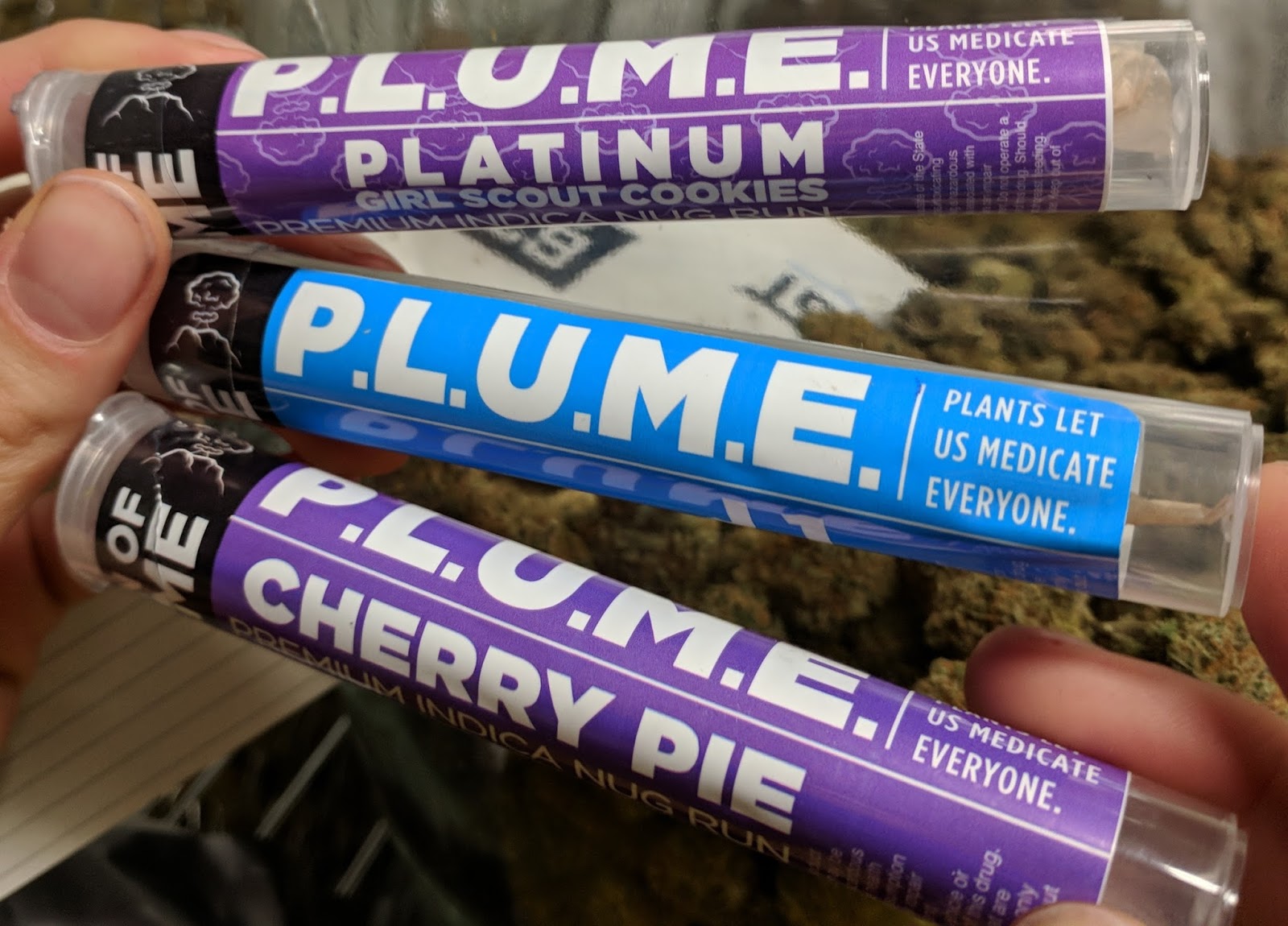
Georgetown Cannabis “Legion of Plume ” Label
I met Mark Brown, CEO, of Georgetown Cannabis originally via one of our partners.  Initially, Mark was looking not only for a label printer, but a label applicator as well.  Mark and his team, especially, Kendall Brown, were requiring a high resolution printer for labels for their “Legion of Plume” branded products.  Based on their label printing requirements, Georgetown purchased a C7500G printer and matte poly labels.  I recommended matte poly given Georgetown’s production of a lot of prerolls, labeling their joint tubes.

Georgetown Cannabis Prerolls
After getting some gloss poly labels to test, Kendall decided to switch away from matte.  “We really like the way the colors look on the gloss poly”, says Kendall. Continuing, “We have found the gloss poly labels don’t flag, adhering to the tubes well”.
C7500G Preroll Labels

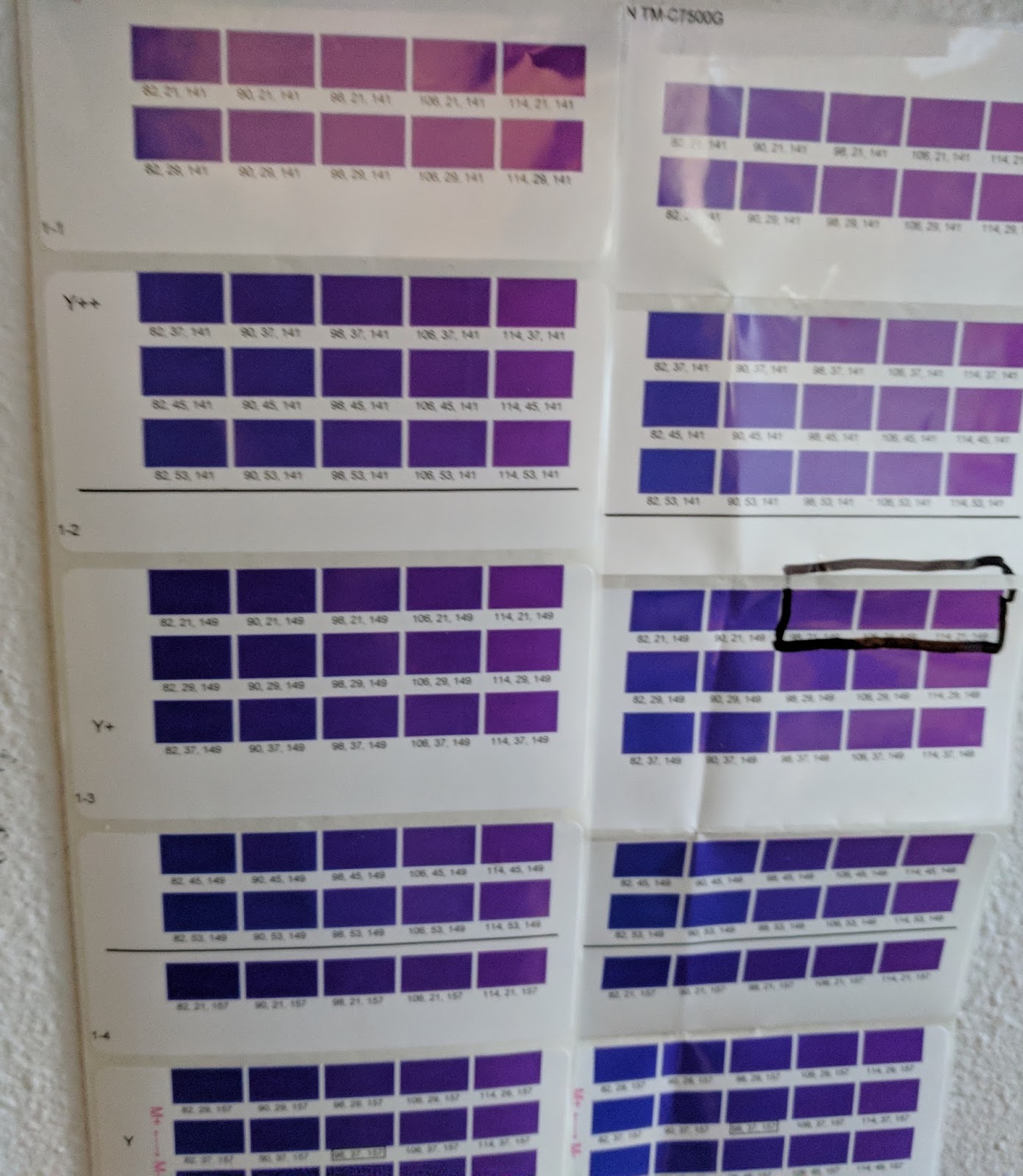
With a background in design, I really like how Kendall has produced the labels for Georgetown, maximizing the print output from the C7500G.  She is using the Epson ColorTone Matching assistant to help her chose the best color range for labels for Georgetown’s new hybrids.

C7500G ColorTone Matching Assistant Print Output
You can download the ColorTone Matching Assistant here: https://download.epson-biz.com/modules/colorworks/index.php?page=prod&pcat=35&pid=219

And I think these labels designed by Kendall and produced on the C7500G look great!

C7500G Printed Cannabis Labels
And Georgetown’s business is growing. According to Mark, “we’re growing, adding new dispensary customers all the time.  The branding and labeling of our premium products is helping our sale team grow our business”.
Green Rush Cannabis and Georgetown Cannabis are approaching their labeling differently; but both are successful in the marketing, branding and labeling of their products.  If you need help to insure your labels represent and promote your brand successfully, contact us.  We’ll help you find the best solution for your print on-demand color label requirements.
Guy Mikel
855-962-7670
info@colorlabelsolutions.com 

Filed Under: Label Printers Tagged With: Color Label Printers, Kiaro, Labels

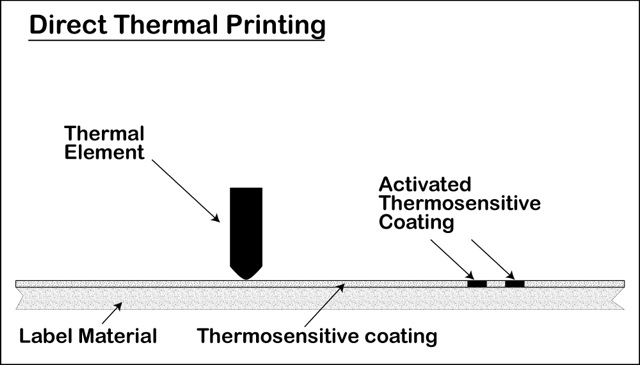
Direct Thermal Changes

November 5, 2017 by value

If you use Direct Thermal Labels, you may know this already; the price of direct thermal labels and POS paper has/will increase substantially. 

For example, Jujo Thermal announced an 8% to 13% increase.

And Lecta announced an 8% to 10% increase;  After a 7% increase in May: 


As I understand, this latest price increase results from the closure of a Chinese chemical plant, Connect Chemical, that makes 30% to 35% of the world market for leuco dyes, one of the major ingredients for the manufacturer of direct thermal paper. 

This closure is a result of the Chinese government attempting to clean up the pollution affecting their country.  It seems China has closed 10’s of thousands of chemical plants in an effort to improve their pollution.   

Leuco dye is one of the 4 major chemicals used in the manufacture of direct thermal paper.

What was news to me is that thermal paper uses Bisphenol A (BPA) and Bisphenol C (BPC) which when combined with the leuco dye makes the color when heated.  Recently, BPA has been identified as an endocrine disruptor.  

Heating of the direct thermal POS paper and labels appears to expose the BPA more to people handing these materials.  From Wikipedia:

People who often get in contact with BPA coated receipts do have a higher level of BPA in their bodies than people with average contact. 
In addition to the production issue with the leuco dyes, the largest domestic manufacturer of thermal paper filed bankruptcy:  Appvion.

The combination of these two events has caused the price of direct thermal paper and labels to increase substantially.  Over one million tons of direct thermal paper are used each year. 
With the price increases, now may be a good time to switch away from direct thermal labels to a better, safer alternative that enables color. And the costs may not be that different.  Some time ago, this post explored the cost differences among label printer media:

http://colorlabelsondemand.blogspot.com/2014/01/color-label-costs.html

At Color Label Solutions, we sell two, inexpensive options for producing colorful inkjet labels to replace direct thermal printers.  First, we sell the ClariSafe printer, which prints labels up to 2.5” wide. 
ClariSafe Color Label Printer

Learn more here:

Watch this printer produce labels direct from a browser:


At less than $700, this printer produces great looking labels. Perfect for adding color symbols/icons on POS paper or labels.
To replace direct thermal shipping or warehouse labels, consider the C3500; perfect for adding color images to 4” wide shipping labels.

C3500 Color Label Printer

Here is an earlier post about increasing the ROI from shipping labels by using color:

http://colorlabelsondemand.blogspot.com/2014/08/earning-positive-roi-even-from-shipping.html

Even three years ago, the price difference between direct thermal and inkjet coated or even uncoated labels were not much. Pleasant Mattress replaced direct thermal printers with C3500 printers to produce color-coded labels.

You can purchase the C3500 here.

With the big increase in prices of direct thermal label media, maybe you should consider switching to a better, safer and more colorful label option.  We can help you with two affordable printer options; and the labels to go through these printers.  Contact us if you would consider moving away from Direct Thermal printers.
Guy Mikel
855-962-7670
info@colorlabelsolutions.com 


Filed Under: Label Printers Tagged With: Color Label Printers, Kiaro, Labels

Meet Lacy

October 29, 2017 by value

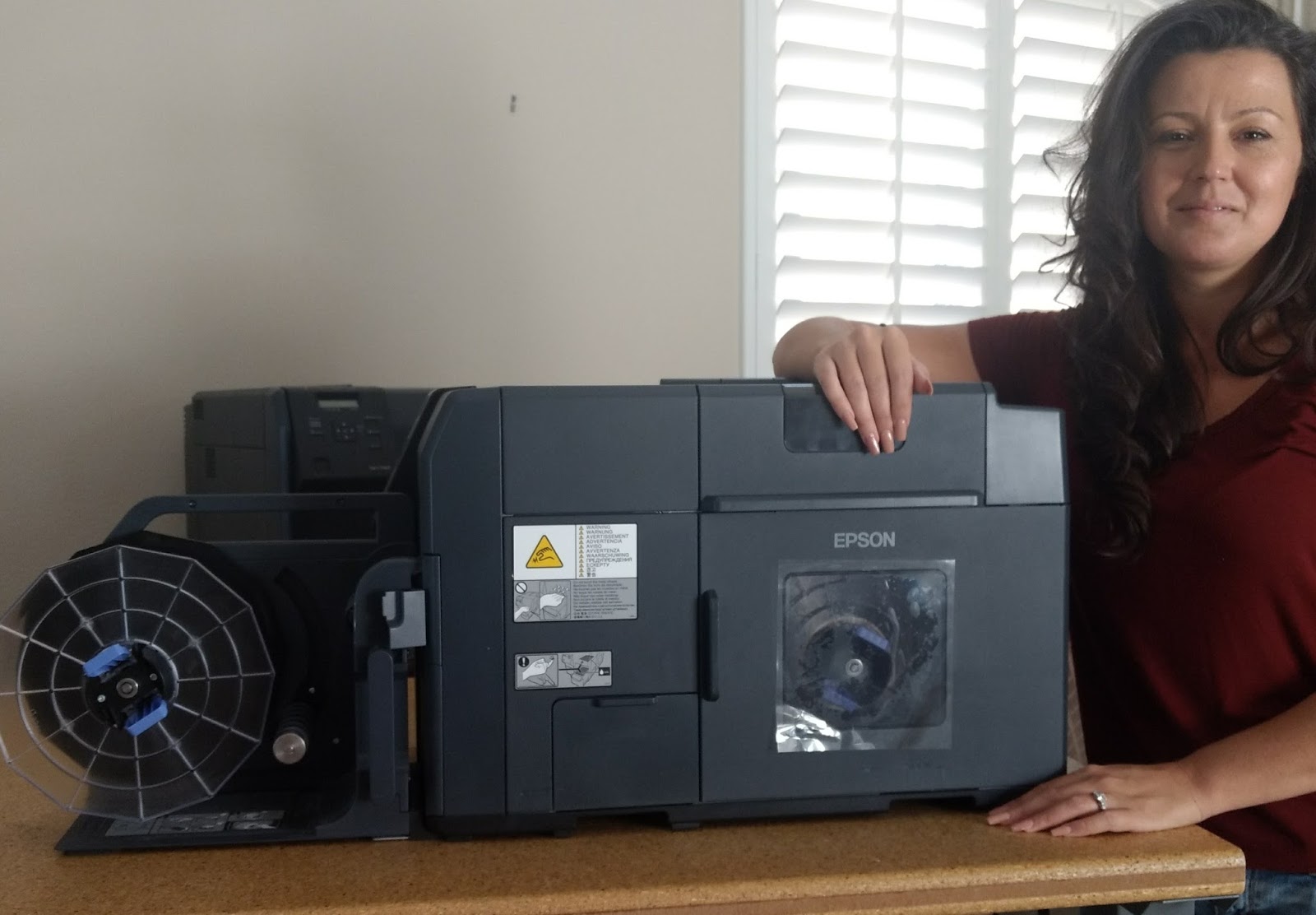
Meet Lacy, not only the Controller for Color Label Solutions, (www.colorlabel.solutions),

Lacy With Her C7500
But also the person who prints samples for our new customers.  Let me tell you more about Lacy and her printing responsibilities.
After joining us this year, Lacy began to work immediately to learn the business.  As we send print samples out to customers and prospects almost every day, Lacy came to see how important this activity was to our business.  While I was traveling, Lacy asked if she could help with printing label samples.  When asked why she wanted to learn this aspect of the business, Lacy said, “To gain a more rounded knowledge of the company, and understand better the products we offer.”

So of course I said great; and left almost immediately on a trip after spending a few minutes with Lacy on how to produce labels with the different printers.  She did work with Tim, our Support Manager, to some degree as well.  But according to Lacy, “to learn how to print labels, I read user manuals, watched YouTube videos and just learned from trial and error.”.

One Of Lacy’s Printed Labels
On this project, Lacy printed thousands of labels for a customer.  Watch the video of the labels printing.  Very fast, full-bleed and high print quality.


So far, Lacy says the easiest aspect of label printing was using the C7500.  “The C7500 seems to just be a much more user friendly printer, at least for a novice like myself”, says Lacy.
And the most difficult I asked?  I remembered her frustration with the L301 at first.  What was difficult about using this printer? Lacy says, “Initially, I had some technical glitches from learning on the fly.  Most of the issues were getting the artwork aligned properly on the labels.  Once I figured out how to print full-bleed labels on the L301, it was easy to do.”

To read about using the L301, read here:

http://colorlabelsondemand.blogspot.com/2017/02/l301.html


To make your full-bleed label printing easier, read here about what we did for this customer:

http://colorlabelsondemand.blogspot.com/2017/04/easy-to-do.html 

Having Lacy able to print label samples and runs for customers and prospects has been a great relief for me and our company.  Plus all of the staff tell me she prints labels swearing a lot less than I do! (OK, network issues drive me crazy when I’m trying to get samples shipped prior to the end of the day).

Lacy’s new found skills at label printing demonstrate that anyone with some dedication and patience can learn the technics around printing color labels on-demand.  Let us help you begin printing color labels on-demand.  You’ll find it easy as well.
Guy Mikel
855-962-7670
info@colorlabelsolutions.com 

Visit our store here:  https://colorlabel-solutions.com/shop/ 

Filed Under: Label Printers Tagged With: Color Label Printers, Kiaro, Labels

  • « Previous Page
  • 1
  • 2
  • 3
  • 4
  • 5
  • …
  • 9
  • Next Page »

Recent Posts

  • Tabletop Round Bottle Capture Device
  • Tabletop Round Wrap Labeler
  • LabelOn™ Flat Items Labeler | Flat Bags Sheets Case Labeling
  • LabelOn™ Benchtop Flat Box Labeler
  • There’s Gold in Them Thar Hills – Or Should I Say Green
  • Used Labeling Machinery: Hidden Costs You Did Not Know About
  • LabelOn™ Basic Bottle Wrap Labeling – Longer Wrap – Added Tilt Adjustments
  • LabelOn™ Basic Bottle Wrap Labeling – Longer Wrap – Added Tilt Adjustments
  • LabelOn™ Label Dispenser
  • LabelOn™ Label Dispenser
  • LabelOn™ Benchtop Round Bottle Applicator
  • LabelOn™ Manual Benchtop Round Bottle Labeler
  • LabelOn™ Manual Benchtop Round Bottle Labeler
  • Hello world!
  • Investigating Glass Induction Sealing
  • Investigating Glass Induction Sealing
  • Labeling Unstable Products with LabelOn™ Pucks Labeling Kit
  • Labeling Unstable Products with LabelOn™ Pucks Labeling Kit
  • Used Labeling Machinery: Hidden Costs You Did Not Know About
  • Used Labeling Machinery: Hidden Costs You Did Not Know About

Categories

  • All About Packaging
  • Cap Lining Materials and Machinery
  • Case Studies
  • Induction Sealing Machines
  • Label Printers
  • Labeling Machines
  • Packaging materials and Machinery

Copyright © 2026 · News Pro Theme on Genesis Framework · WordPress · Log in